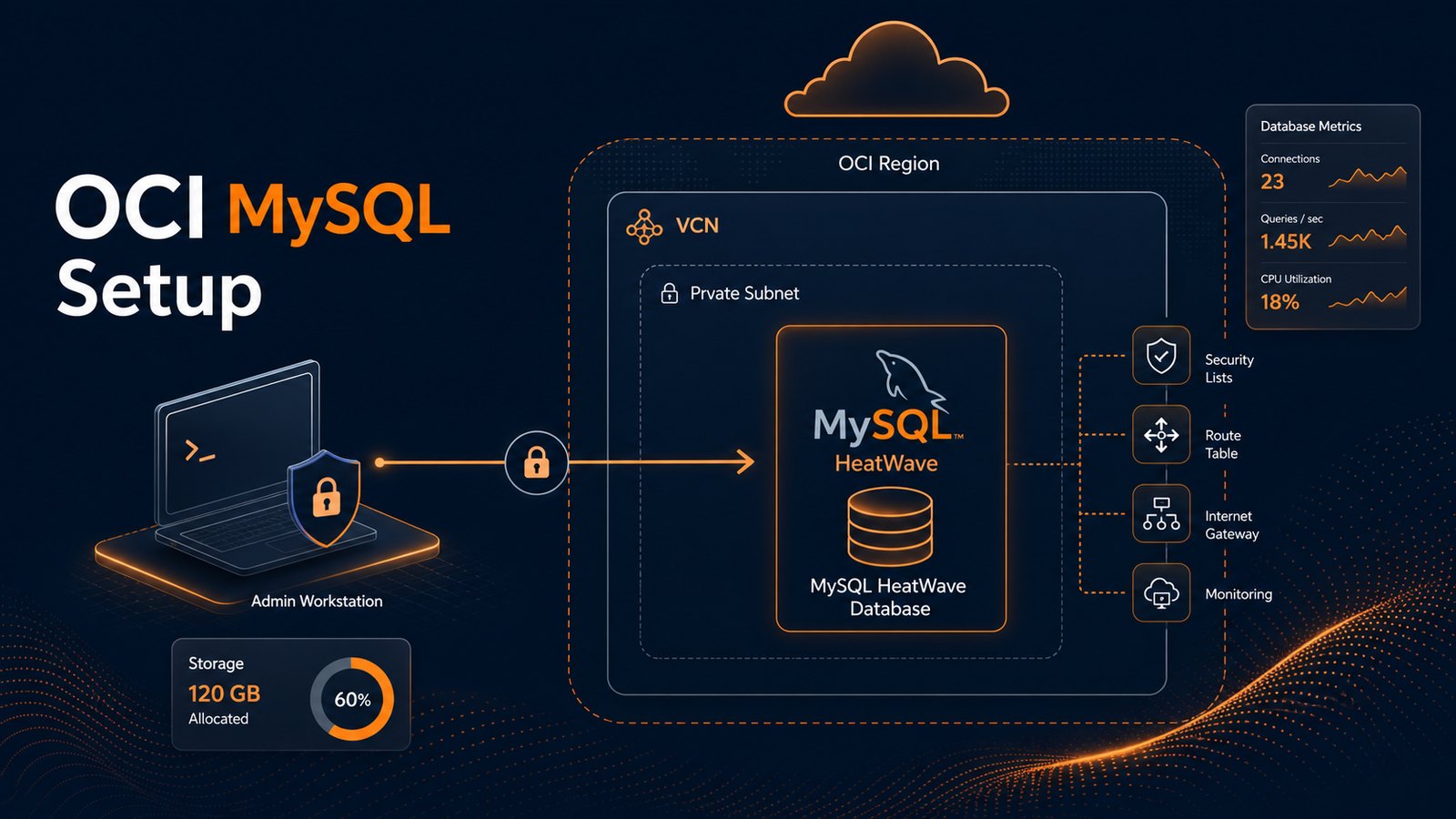
Setting up MySQL on Oracle Cloud Infrastructure can be straightforward, but the important decisions happen before the database is created. The shape you choose, the subnet you place it in, the way applications connect, and the backup policy you enable all affect how stable the environment feels a few weeks later.
A good Oracle Cloud MySQL setup starts with a simple question: is this a learning system, a small production database, or the beginning of a larger application platform? The answer changes how you design networking, access, availability, and monitoring from day one.
Start with the OCI layout, not the database form
It is tempting to open the OCI console, search for MySQL, and create the DB system right away. That works for a quick test, but it often leads to confusion later when an application cannot connect or the database sits in a subnet that is too open.
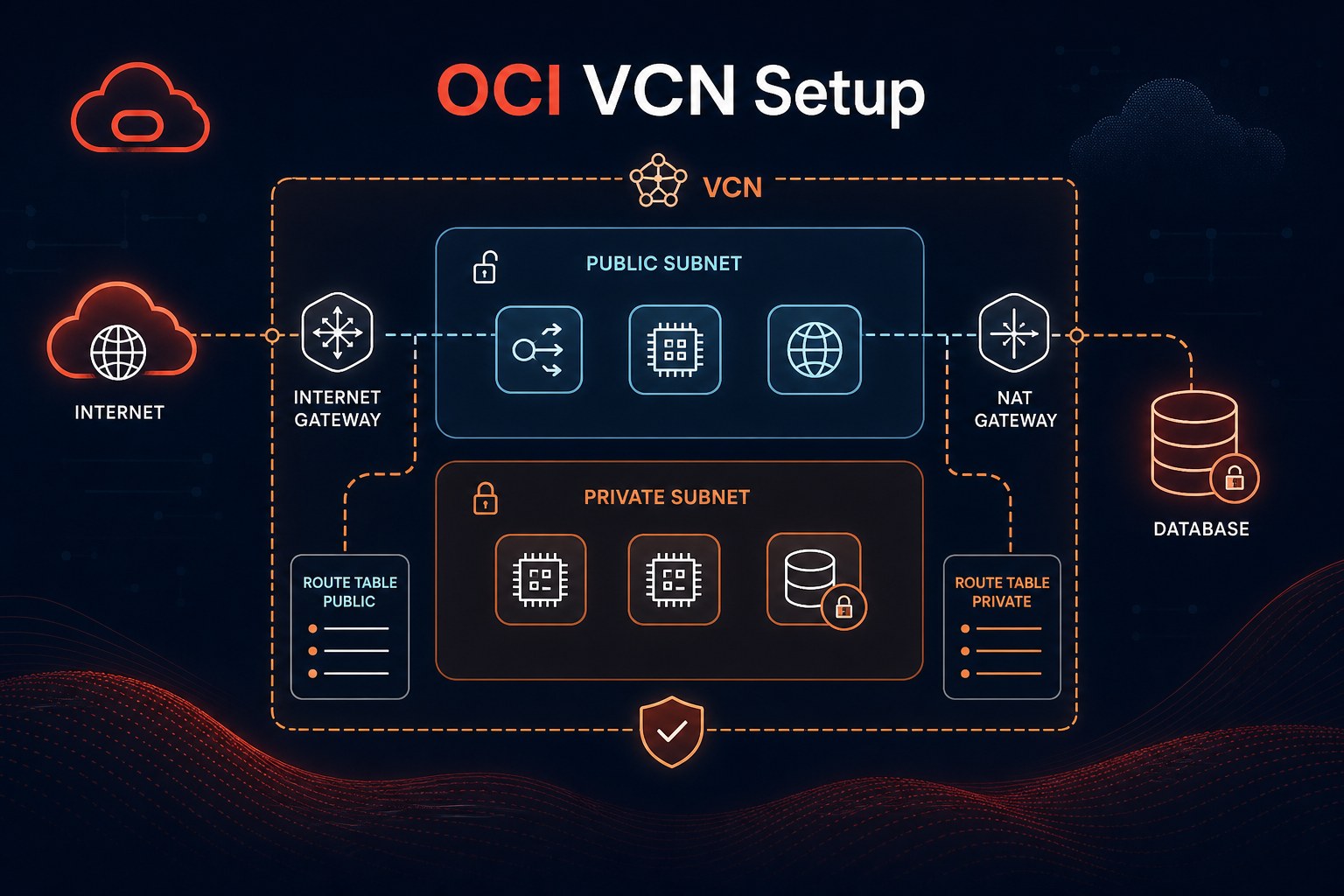
Before creating the MySQL DB system, decide where it belongs in your OCI network. For most production-style deployments, the database should live in a private subnet inside a VCN. Application servers, bastion hosts, VPN connections, or private endpoints can then reach it through controlled routes and security rules.
A practical layout usually includes:
- A VCN with address space that will not conflict with office networks, VPNs, or future connected environments.
- A private subnet for the MySQL DB system so the database is not exposed directly to the public internet.
- An application subnet for compute instances, Kubernetes workers, or other services that need database access.
- Security lists or NSGs that allow MySQL traffic only from trusted sources.
- A bastion or VPN path for administration instead of opening database ports broadly.
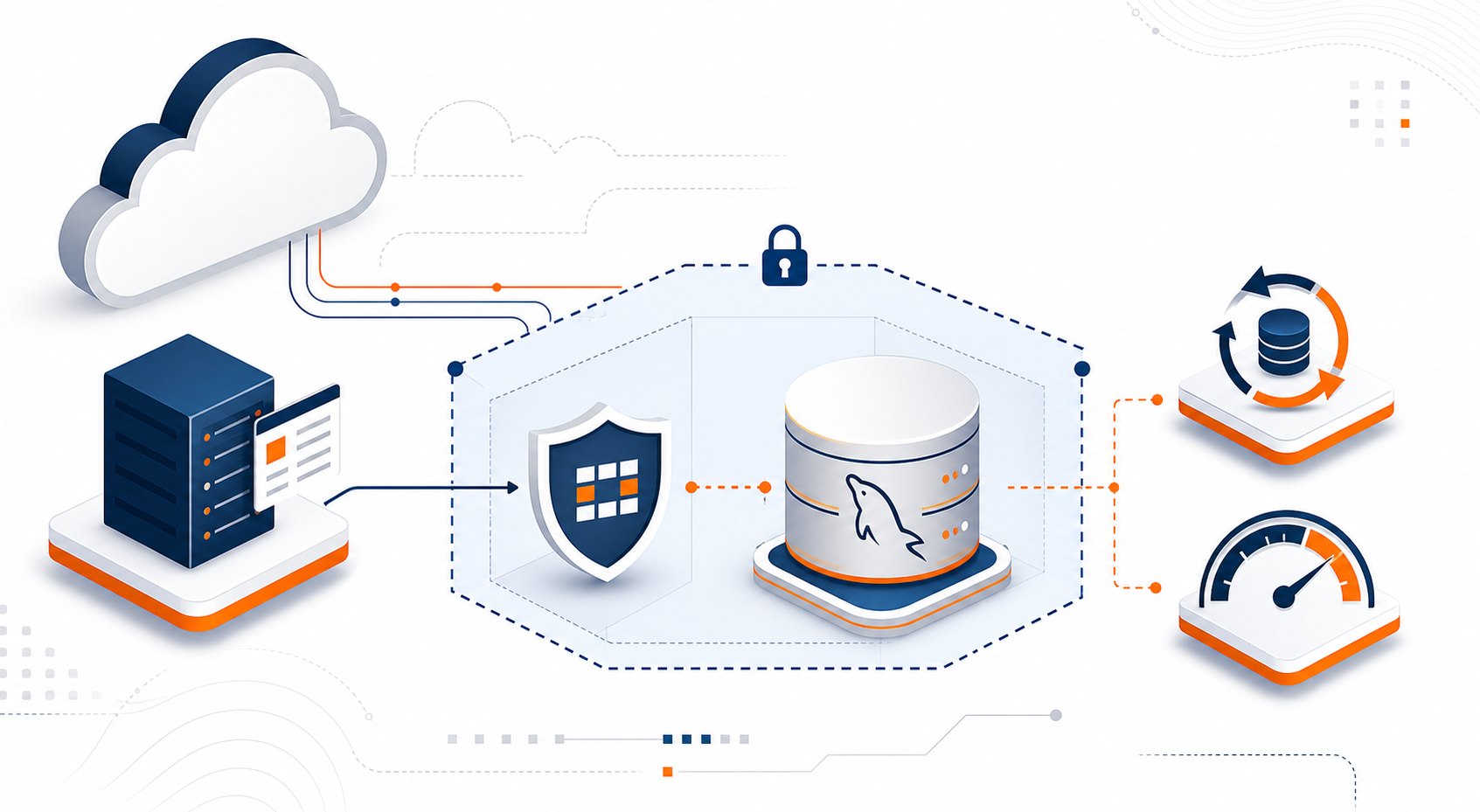
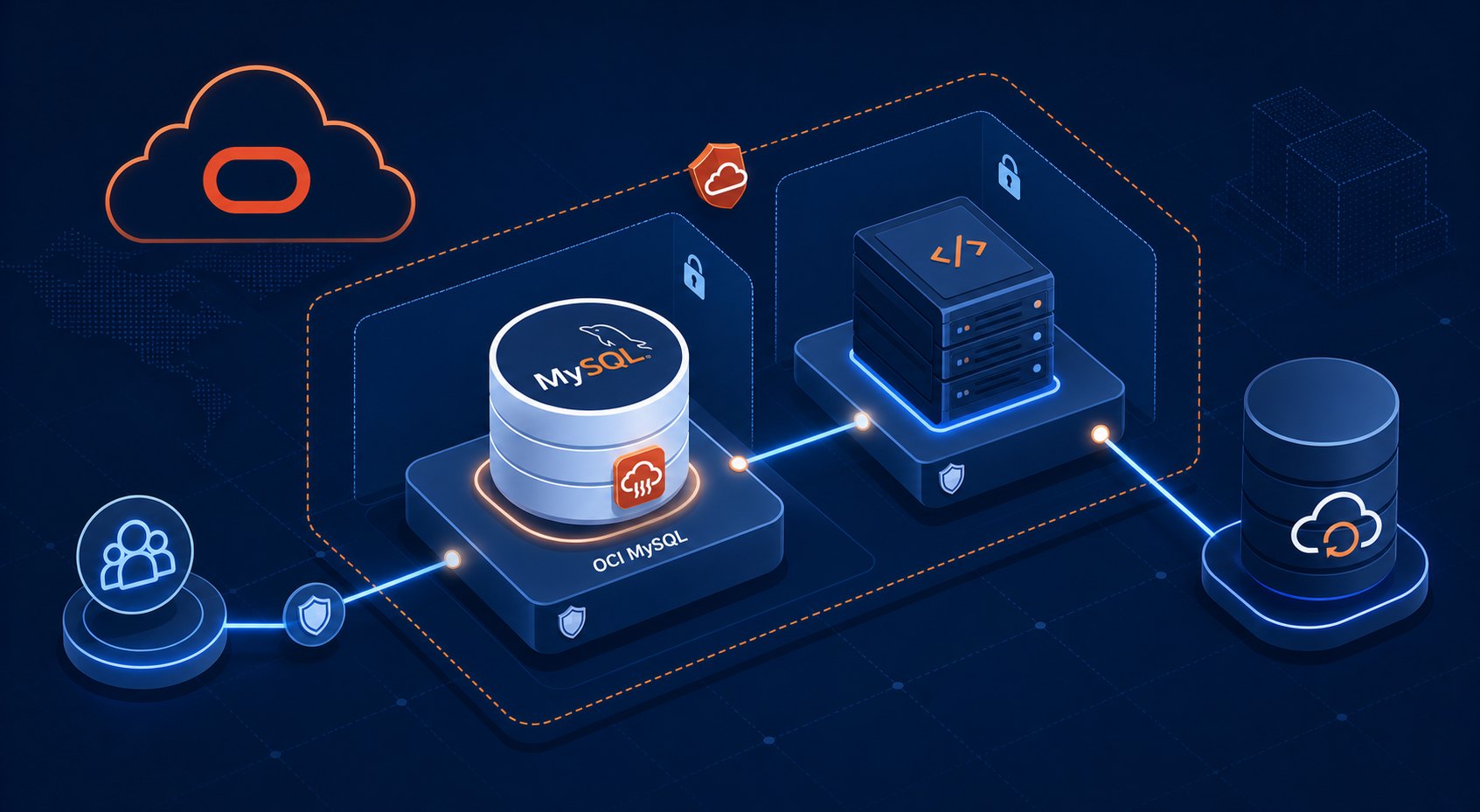
This keeps the setup clear: users and applications connect to the application layer, while the database stays protected behind the network boundary.
Create the MySQL DB system with the right intent
In OCI, the Oracle Cloud MySQL Database Service lets you create a managed MySQL DB system without maintaining the underlying operating system yourself. That is a big advantage for small teams, but it does not remove the need to pick sensible defaults.
When you create the DB system, pay attention to the compartment, availability domain, subnet, shape, storage size, administrator credentials, and backup settings. These are not just form fields. They describe how the database will be operated.
- Select the correct compartment. Keep production resources in a compartment with clear IAM policies instead of mixing them with experiments.
- Choose the private subnet. The DB system should be reachable by approved OCI resources, not by the public internet.
- Pick a shape based on workload expectations. For a small application, start modestly, then scale when metrics show a real need.
- Set storage with growth in mind. Do not size only for today's data if imports, logs, or reporting tables will grow quickly.
- Enable automated backups. A database without a restore plan is not ready for production.
If you are following an OCI MySQL HeatWave tutorial, you may also see HeatWave cluster options. HeatWave is useful when you need accelerated analytics on MySQL data. If your first goal is a small transactional application, keep the initial deployment simple and add HeatWave when the workload actually needs analytical acceleration.
Control access before testing connections
Connection problems are common during an Oracle Cloud MySQL setup, and they usually come down to networking or security rules. The database may be healthy, but the compute instance, application service, or administrator workstation has no approved path to reach it.
Start by confirming the expected connection pattern. For example, an application running on an OCI compute instance in the same VCN can usually connect over private IP if routing and NSG rules allow it. A developer laptop should typically connect through VPN, bastion, or another controlled administrative path instead of directly to the database subnet.
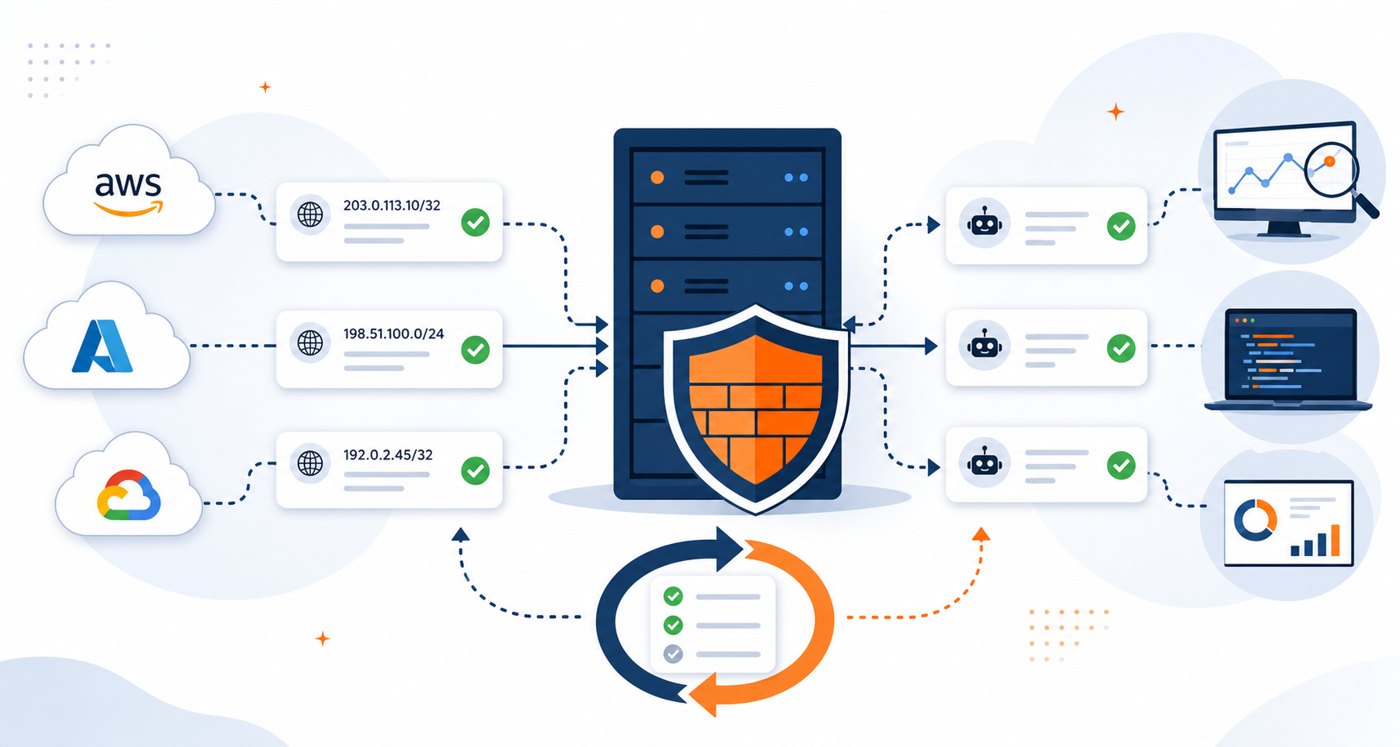
For MySQL traffic, allow TCP port 3306 only from known application sources. If you are using NSGs, attach the database to a database NSG and allow inbound traffic from the application NSG. This is cleaner than allowing a wide CIDR range and hoping nobody misuses it later.
Plan backups, maintenance, and restore testing
Backups are not just a checkbox. They are part of the operating model for the database. During setup, choose a retention period that matches the importance of the application and the amount of data change you expect.
For small business systems, a practical starting point is to enable automated backups, document the retention setting, and schedule an occasional restore test into a non-production environment. The restore test is what proves the backup is usable. Without that, the team is trusting a setting it has never validated.
Also make a note of maintenance windows. Managed services reduce administration work, but they still need patching and updates. Pick a maintenance window that matches your lowest-traffic period, then document it so application owners are not surprised.
Common setup mistakes to avoid
Most failed or messy setups are not caused by MySQL itself. They come from skipping design decisions that feel small at the beginning.
- Putting the database in a public-facing network path. Use private networking unless there is a strong, reviewed reason not to.
- Allowing broad inbound access. Limit port
3306to trusted application or administration sources. - Using a test compartment for a real application. Separate experiments from systems that need support and governance.
- Skipping backup validation. A backup policy should include a restore test, not just retention settings.
- Choosing HeatWave because it is available, not because it is needed. Match features to workload requirements.
- Forgetting DNS and connection documentation. Write down the endpoint, access path, and approved connection sources.
A simple production-ready checklist
Before you hand the database to an application team, run through a short checklist. It does not need to be complicated, but it should be explicit.
- The MySQL DB system is in the intended compartment and private subnet.
- Only approved OCI resources or admin paths can reach the MySQL endpoint.
- Automated backups are enabled with a documented retention period.
- The maintenance window is known and acceptable.
- Administrator credentials are stored securely, not in personal notes or chat messages.
- Application connection details are documented for the team that will use them.
- Basic metrics and logs are reviewed after the first real workload test.
This checklist is also useful for an OCI MySQL always free setup. Even when the environment starts as a learning system, practicing the right structure makes it easier to move from lab work to a real deployment later.
When to get help with the design
If the database supports customer data, payment flows, internal reporting, or anything that would hurt the business if it went offline, it is worth reviewing the setup before launch. A short architecture review can catch network exposure, weak access patterns, missing restore steps, and sizing assumptions early.
Oracle Cloud gives you the building blocks, but the reliability comes from how those blocks are assembled. For a MySQL deployment, that means private networking, controlled access, realistic sizing, tested backups, and clear operational notes.
Summary
A practical Oracle Cloud MySQL setup is not only about creating the DB system. It is about placing it in the right network, limiting access, choosing a sensible shape, enabling backups, and confirming that applications can connect through a controlled path.
If you want a second set of eyes on the operational side after your database is running, Get the free starter plan for weekly infrastructure health reports.