Hardening a Linux server is not a one-time command or a single security tool. It is a set of small, boring controls that reduce risk before a login brute-force attempt, missed patch, exposed service, or full disk turns into downtime.
For small business teams and developers, the best hardening plan is practical: secure access, reduce the exposed attack surface, keep packages current, and add enough linux server monitoring to notice when something drifts. Use this checklist as a baseline for new cloud VMs, homelab systems that are becoming important, and small production servers that do not have a full security team behind them.
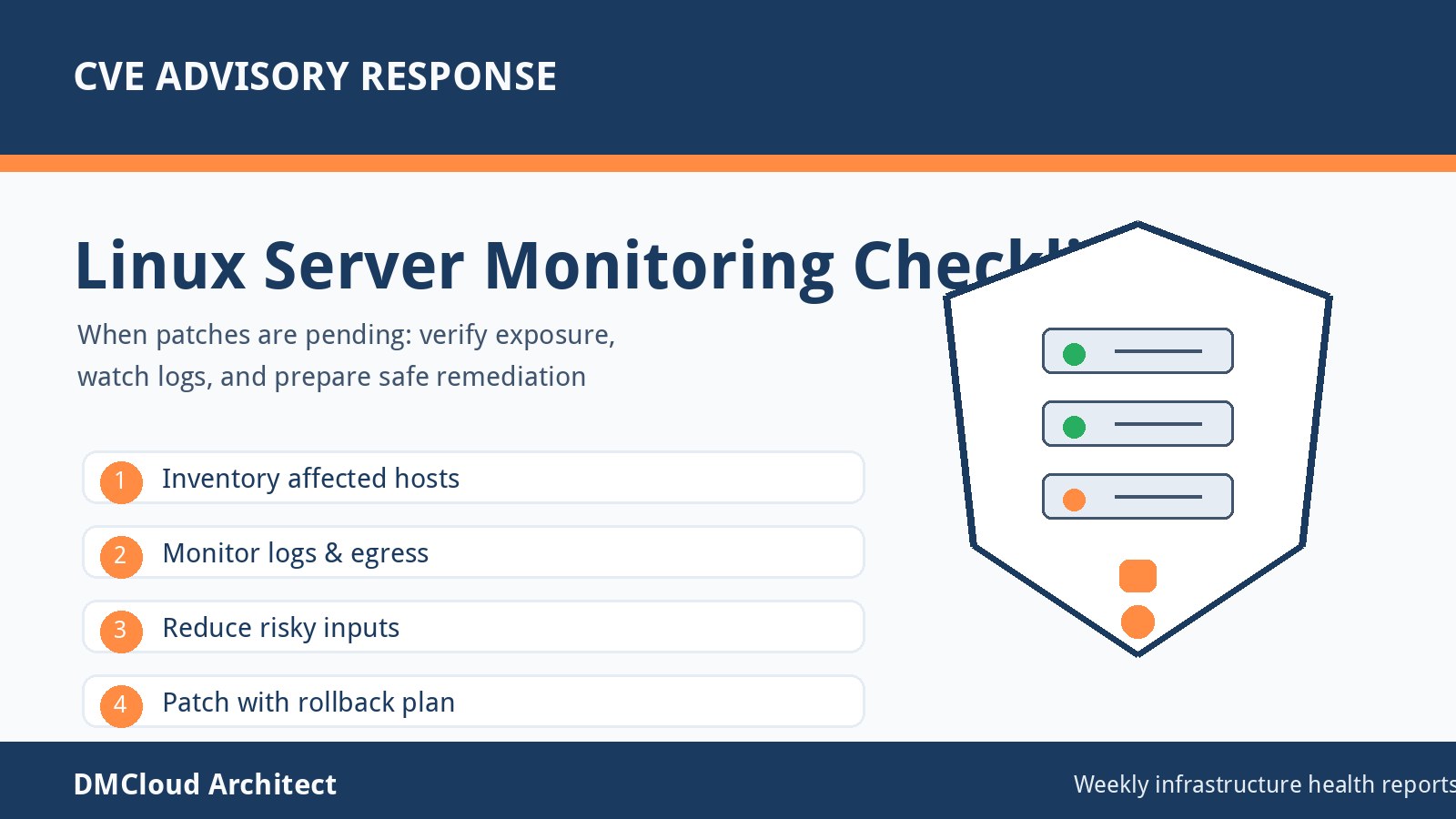
1. Start with a written server inventory
You cannot harden what you cannot describe. Keep a simple inventory for each server that records hostname, public and private IPs, operating system version, business owner, cloud region, open ports, critical services, backup location, and the patching window.
This does not need to be a heavyweight CMDB. A shared document, ticket, or infrastructure repository is enough if it stays current. The goal is to make every future decision easier: who owns the server, what should be running, and what would be suspicious if it changed?
2. Lock down SSH before anything else
SSH is often the first service attackers test. Disable password login where possible, require key-based authentication, turn off direct root login, and keep a short list of allowed admin users. If the server supports it, place SSH behind a VPN, bastion host, private network, or a tightly scoped source IP allowlist.
Also review SSH configuration after major OS upgrades. Defaults can change, old compatibility settings can linger, and a copied configuration from a test box may be weaker than expected.
3. Use least-privilege accounts and sudo rules
Every person and automation job should have only the access it needs. Avoid shared administrator accounts, remove users who no longer need access, and use named accounts so audit logs can tell you what happened. For service accounts, prefer non-login users and scoped file permissions.
Review sudo access regularly. A server can look hardened from the network while still allowing too many local users to become root without a clear operational reason.
4. Patch with a predictable rhythm
Hardening fails when patching depends on someone remembering it during a quiet week. Establish a recurring patch window, subscribe to your distribution's security notices, and separate routine package updates from emergency security fixes.
Small teams should also monitor reboot requirements. Kernel and core library updates may install successfully but leave the server running old code until a reboot happens. That gap is easy to miss without a checklist or health report.
5. Close ports you do not actively use
Run a local service review and compare it with cloud firewall, security group, and host firewall rules. If a service does not need public access, bind it to localhost or a private interface. If it needs access from a vendor or office, restrict it to the smallest reasonable source range.
Do not assume the cloud firewall is the only control that matters. A host firewall such as firewalld, nftables, or ufw gives you another layer of protection when a security group is changed by mistake.
6. Harden web and application services
For public web servers, enforce HTTPS, remove default virtual hosts, disable directory listings, and keep application secrets out of the document root. If the server runs containers, confirm that management ports, dashboards, and development tools are not exposed to the internet.
Pay attention to file ownership. Many incidents start with an application process that can write to more directories than it needs. Tight permissions make exploitation harder and reduce the blast radius when a service is compromised.
7. Make logs useful before there is an incident
Enable system authentication logs, application logs, web access logs, package manager logs, and firewall logs where appropriate. Then confirm retention: logs should survive long enough to answer basic questions after a suspicious login, outage, or data issue.
For small environments, centralized logging may be optional, but log review should not be. At minimum, monitor repeated failed SSH attempts, new sudo users, service restarts, disk errors, and unexpected listening ports.
8. Add linux server monitoring that catches drift
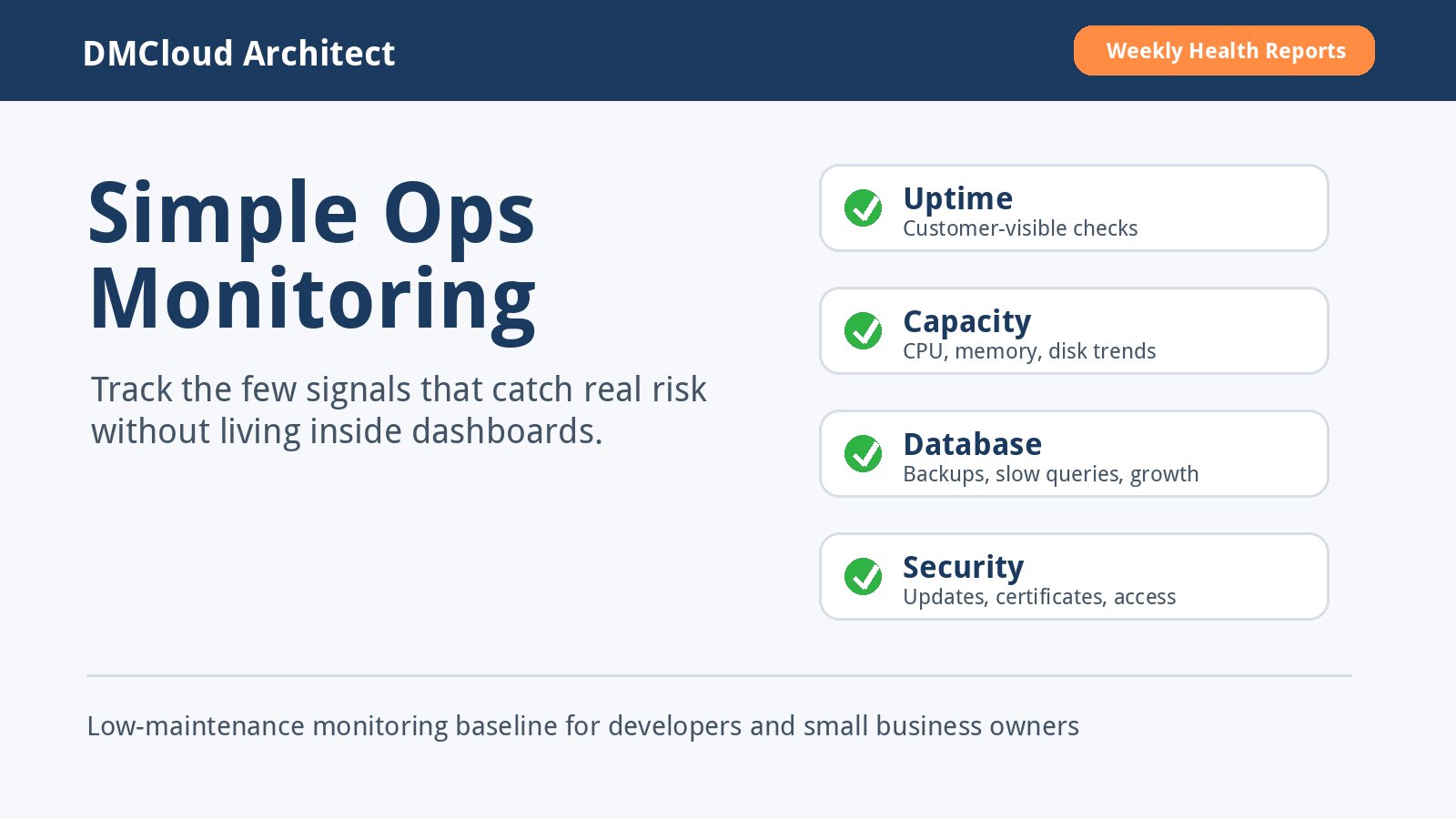
Hardening is stronger when paired with monitoring. Track CPU load, memory pressure, disk usage, inode usage, uptime, service status, failed logins, package update age, certificate expiration, and backup freshness. These signals tell you when a secure baseline is starting to drift.
The point is not to stare at dashboards all day. The point is to get a regular summary that highlights changes worth investigating, especially on servers that are important but not large enough to justify a dedicated operations team.
9. Back up data and test restoration
A hardened server still needs recoverable backups. Define what must be backed up, how often it changes, where backups are stored, and who can restore them. Keep backups separate from the server so a compromised machine cannot easily delete its own recovery path.
Test restoration with a real file, database, or configuration sample. A backup that has never been restored is only a hopeful assumption.
10. Review the baseline every month
Server hardening gets stale. New services are added, old users remain, certificates approach expiration, package updates pile up, and firewall exceptions outlive their purpose. A monthly review keeps the baseline realistic.
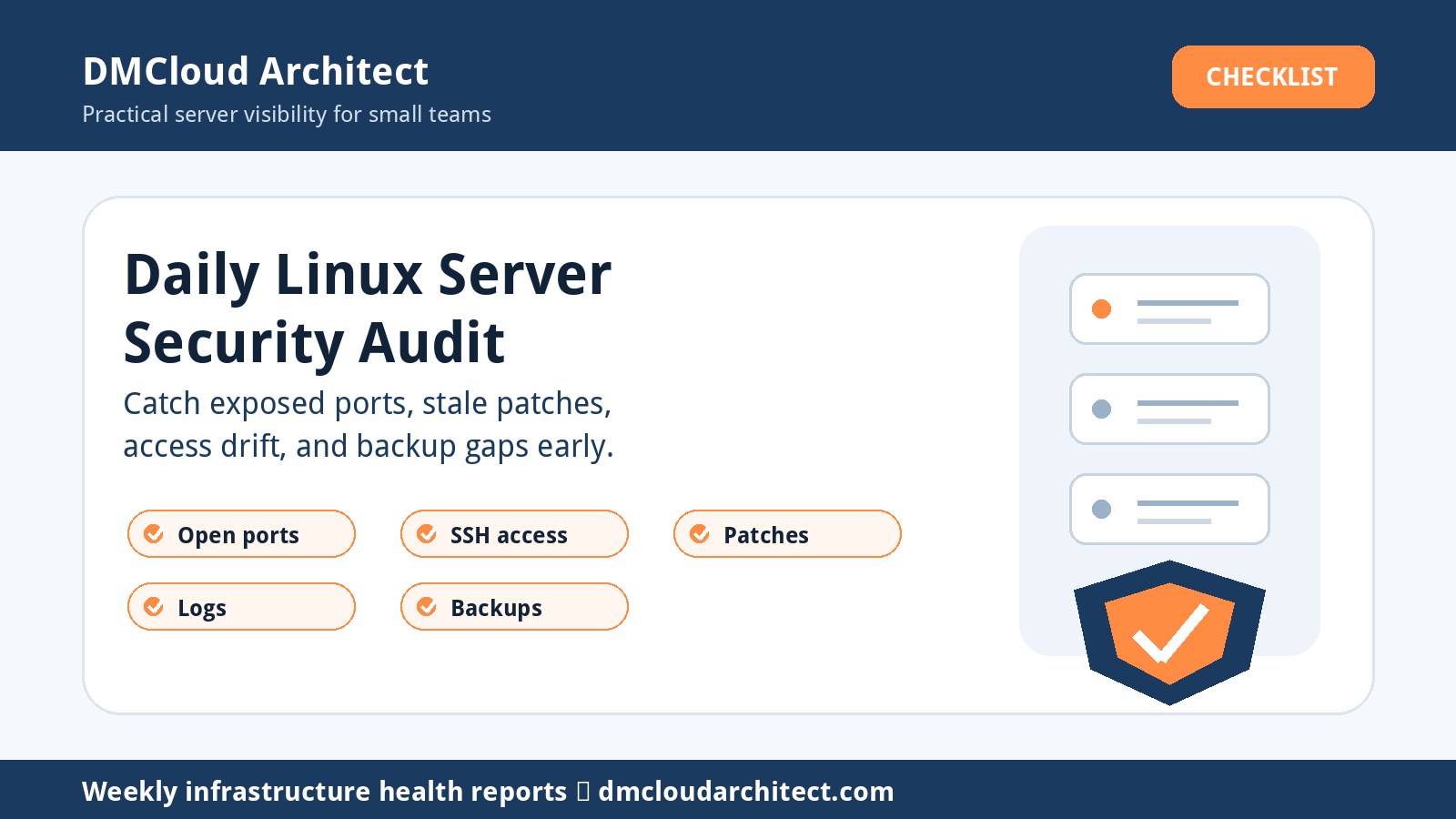
Use the review to answer five questions: are patches current, are only expected ports open, are admin users still valid, are backups fresh, and are monitoring alerts or reports showing anything unusual?
Quick small-business hardening checklist
- Document the server owner, purpose, OS version, public IPs, and critical services.
- Require SSH keys, disable root login, and restrict administrative access paths.
- Remove unused users and review sudo privileges.
- Patch on a recurring schedule and track reboot requirements.
- Close unnecessary ports at both the cloud firewall and host firewall layers.
- Harden web, database, and container services so admin tools are not public.
- Collect logs that can explain failed logins, restarts, package changes, and errors.
- Monitor disk, memory, load, certificates, backups, and exposed services.
- Store backups off-server and test restores before an emergency.
- Revisit the baseline monthly so security does not decay quietly.
What to do next
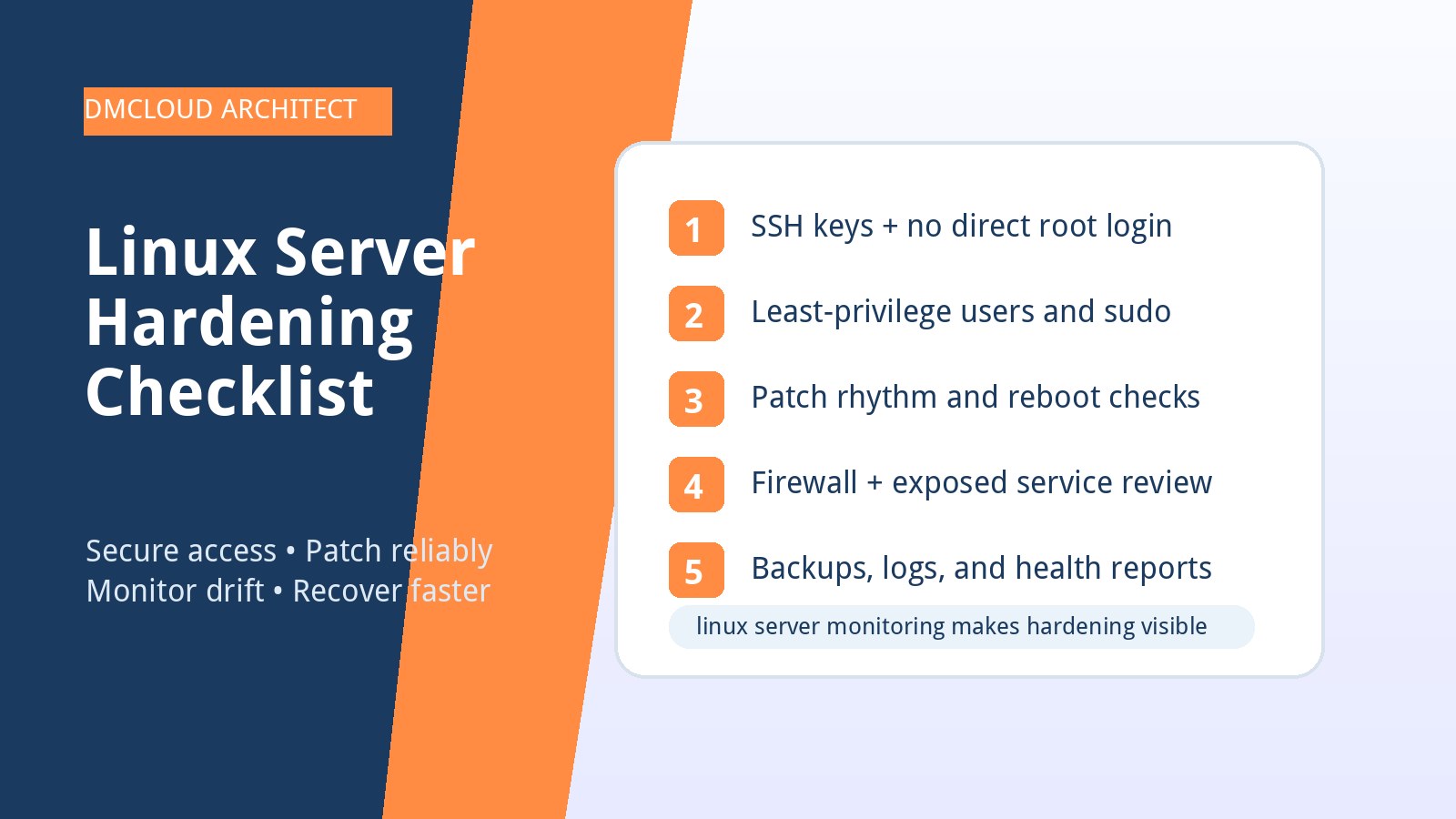
If you only have an hour, start with SSH, patching, open ports, backups, and monitoring. Those five areas reduce a large amount of practical risk for small teams and create the visibility needed to improve the rest over time.
Hardening is not about making a server perfect. It is about making unsafe defaults rare, suspicious changes visible, and recovery possible.
Want weekly infrastructure health checks without dashboard fatigue?
DMCloud Architect sends Linux and MySQL infrastructure health reports directly to your inbox, so you can spot risks early without adding another monitoring dashboard to watch.
Get the free starter plan for weekly infrastructure health reports.