Linux server hardening is not just a list of settings to apply on day one. For developers and small business owners, the reliable version is a repeatable routine that keeps the server close to its intended baseline after patches, deployments, migrations, and emergency fixes.
The practical goal is simple: reduce the number of ways the server can be reached, limit what an attacker could do if one layer fails, and use linux server monitoring to catch drift before it becomes an incident. The checklist below is designed for small teams that need real coverage without turning every morning into a security review meeting.
Start with a written server baseline
Before changing settings, document what should be true. Record each server's purpose, owner, operating system, public IP address, expected open ports, admin access method, critical services, backup schedule, patch window, and certificate renewal path.
This baseline is what makes hardening maintainable. Without it, every scan produces a pile of facts. With it, your monitoring can answer the more useful question: what changed since the last known-good state?
1. Lock down SSH access
SSH is often the first administrative path exposed to the internet, so make it boring and predictable. Disable root login, disable password authentication where key-based access is practical, remove stale user accounts, and keep sudo access limited to people who actively need it.
If business needs allow it, restrict SSH by VPN, bastion host, or a trusted source IP allowlist. Then monitor for successful logins, failed login spikes, new authorized keys, and changes to SSH configuration files.
2. Patch with visibility, not panic
Hardening fails when patch status is invisible. Track available security updates, last package update time, kernel version, and whether a reboot is required for updates to take effect.
Small teams do not need to install every update the moment it appears. They do need a reliable report that separates urgent security work from routine maintenance and prevents forgotten servers from drifting months behind.
3. Compare listening services to firewall rules
Check what the server is actually listening on and what the cloud firewall, security group, or host firewall allows. Both views matter. A private service bound to all interfaces may not be reachable today, but it becomes risky if a firewall rule changes later.
Pay extra attention to databases, Redis, dashboards, metrics endpoints, development servers, mail services, and admin panels. These are often exposed temporarily during troubleshooting and then forgotten.
4. Keep web and TLS basics clean
For public web servers, confirm that HTTPS is enforced, certificates are not close to expiration, old virtual hosts are removed, and test or staging sites are not reachable from production hostnames.
Also watch for configuration drift after deployments. A reverse proxy reload, emergency redirect, or copied server block can accidentally expose directories, old applications, or debug endpoints.
5. Review accounts, groups, and permissions
Local users and permissions are easy to ignore until a problem appears. Monitor new users, deleted users, sudo group changes, shell changes, new cron entries, and permission changes on application directories.
For application workloads, avoid running services as root when a narrower service account will work. Keep secrets outside the web root, rotate credentials after employee or contractor changes, and remove unused deploy keys.
6. Protect backups as part of hardening
A hardened server still needs a recovery path. Confirm that backups ran, recent backups are restorable, and backup storage is not writable by the same account an attacker would compromise through the application.
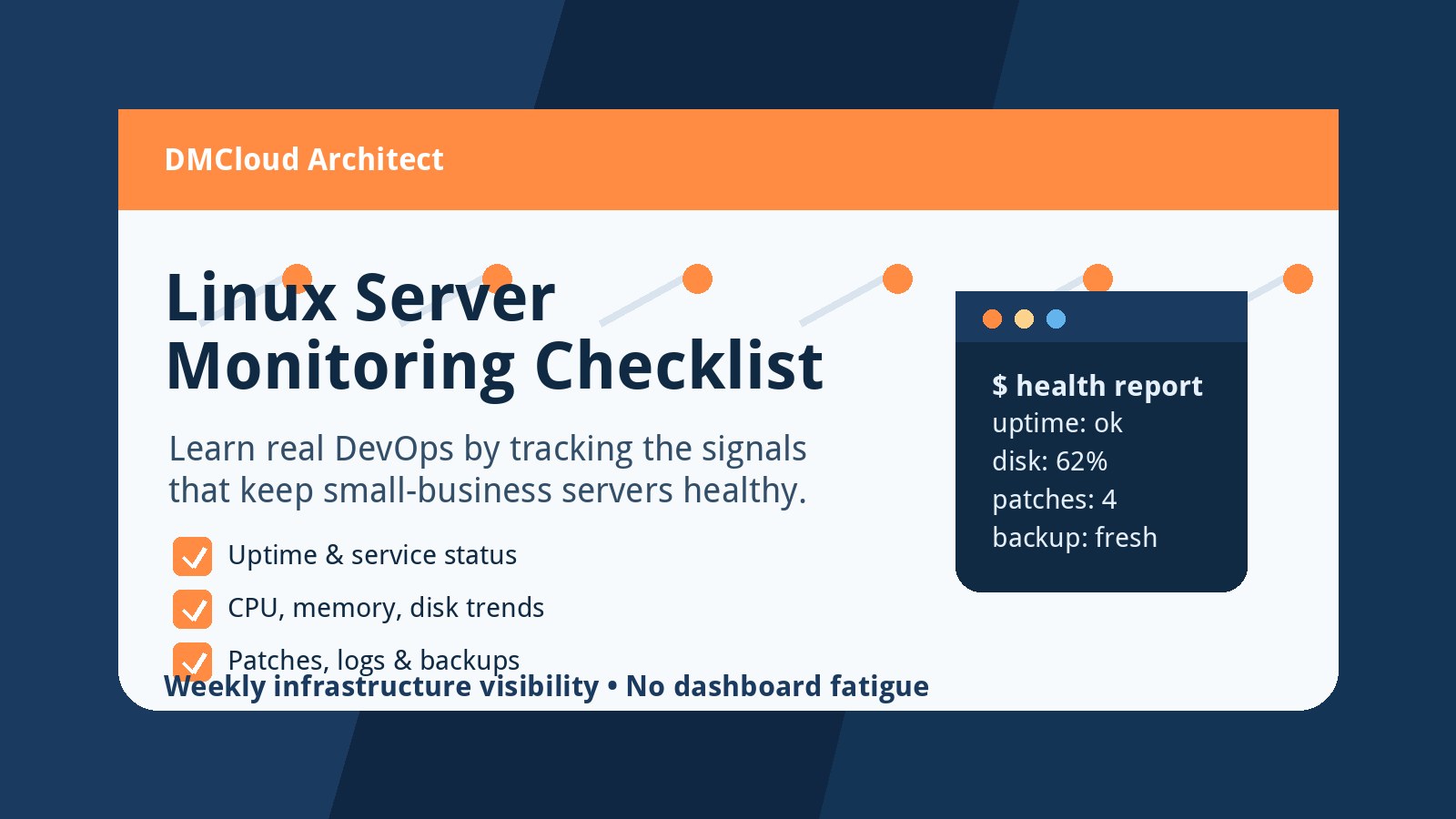
Include backup freshness in the same operational report as disk, CPU, memory, and service checks. A missed backup should be visible before you need it during an outage.
7. Watch logs for changes that deserve action
Daily log review should focus on signals that change a decision: successful SSH logins, repeated authentication failures, sudo activity, package installs, service restarts, firewall drops, web errors, and unexpected process crashes.
You do not need a full security platform to start. A concise daily summary is enough to help a small team notice when a server behaves differently than it did yesterday.
8. Connect hardening to linux server monitoring
Hardening and monitoring should reinforce each other. Hardening defines the expected state. Monitoring checks whether the server is staying near that state while also tracking reliability signals that affect security.
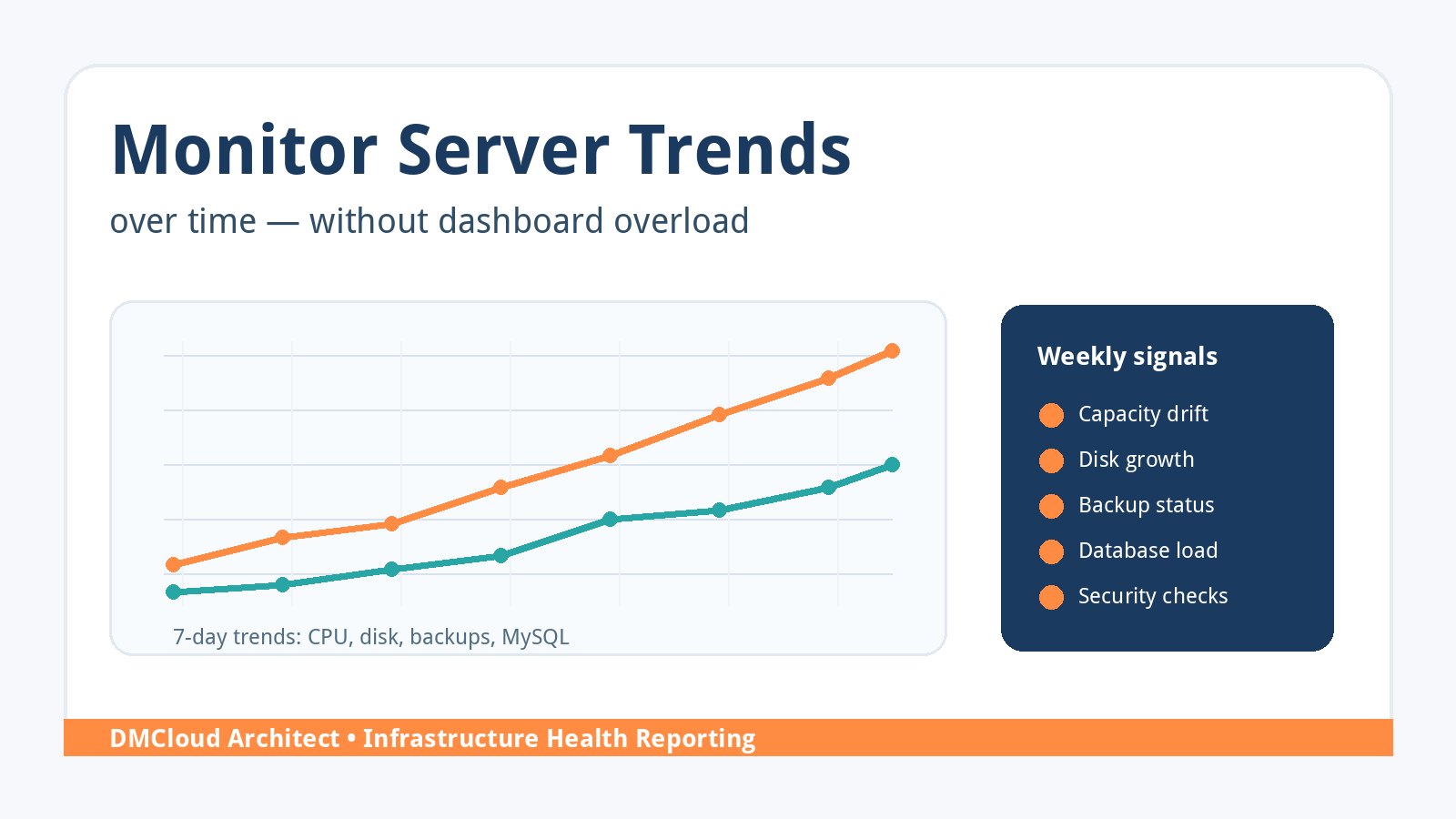
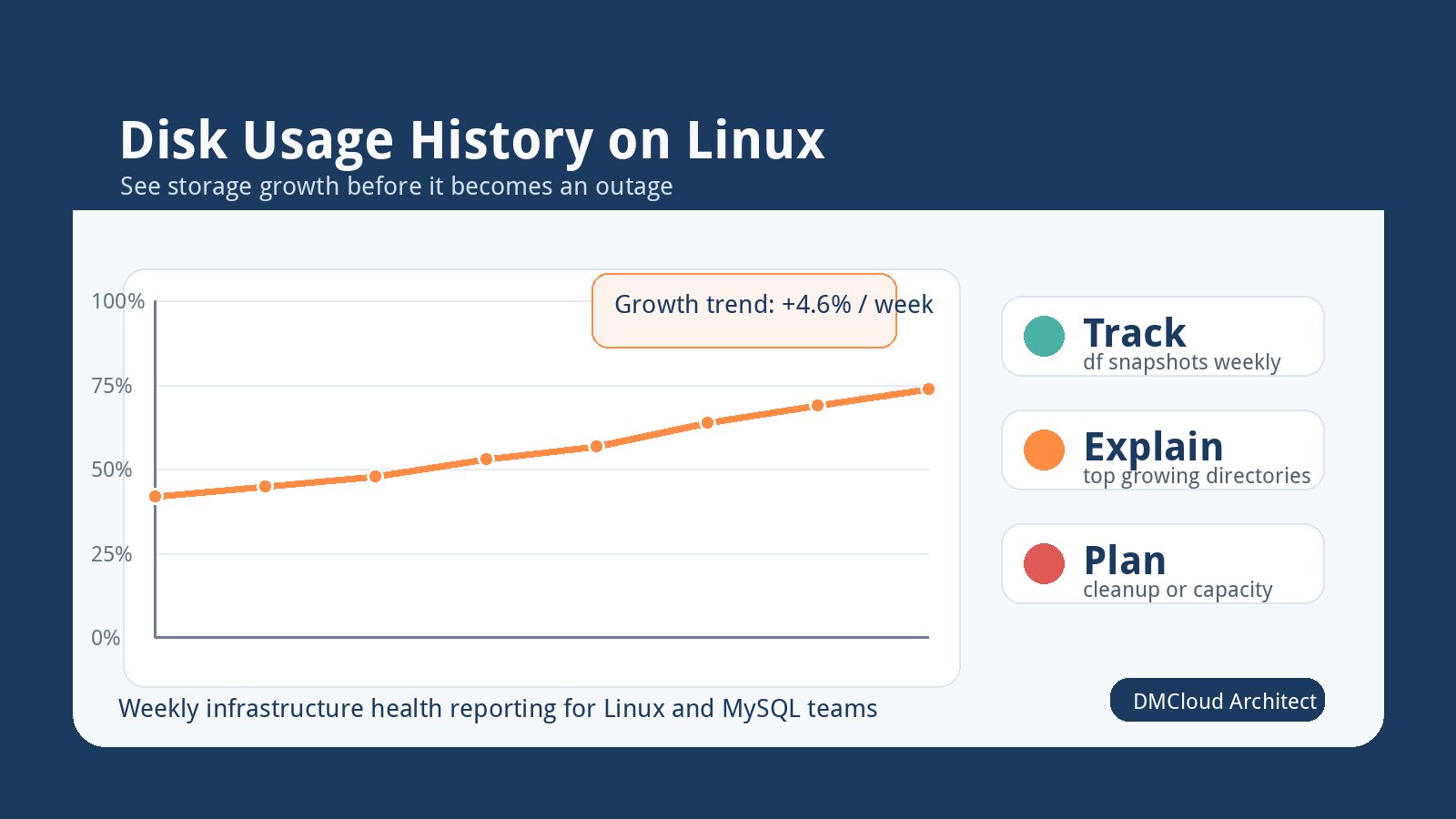
Useful linux server monitoring for hardened systems includes public port changes, SSH login activity, update age, reboot requirements, disk and inode usage, certificate expiration, service status, backup freshness, load average, memory pressure, and unexpected process changes.
Small-team hardening checklist
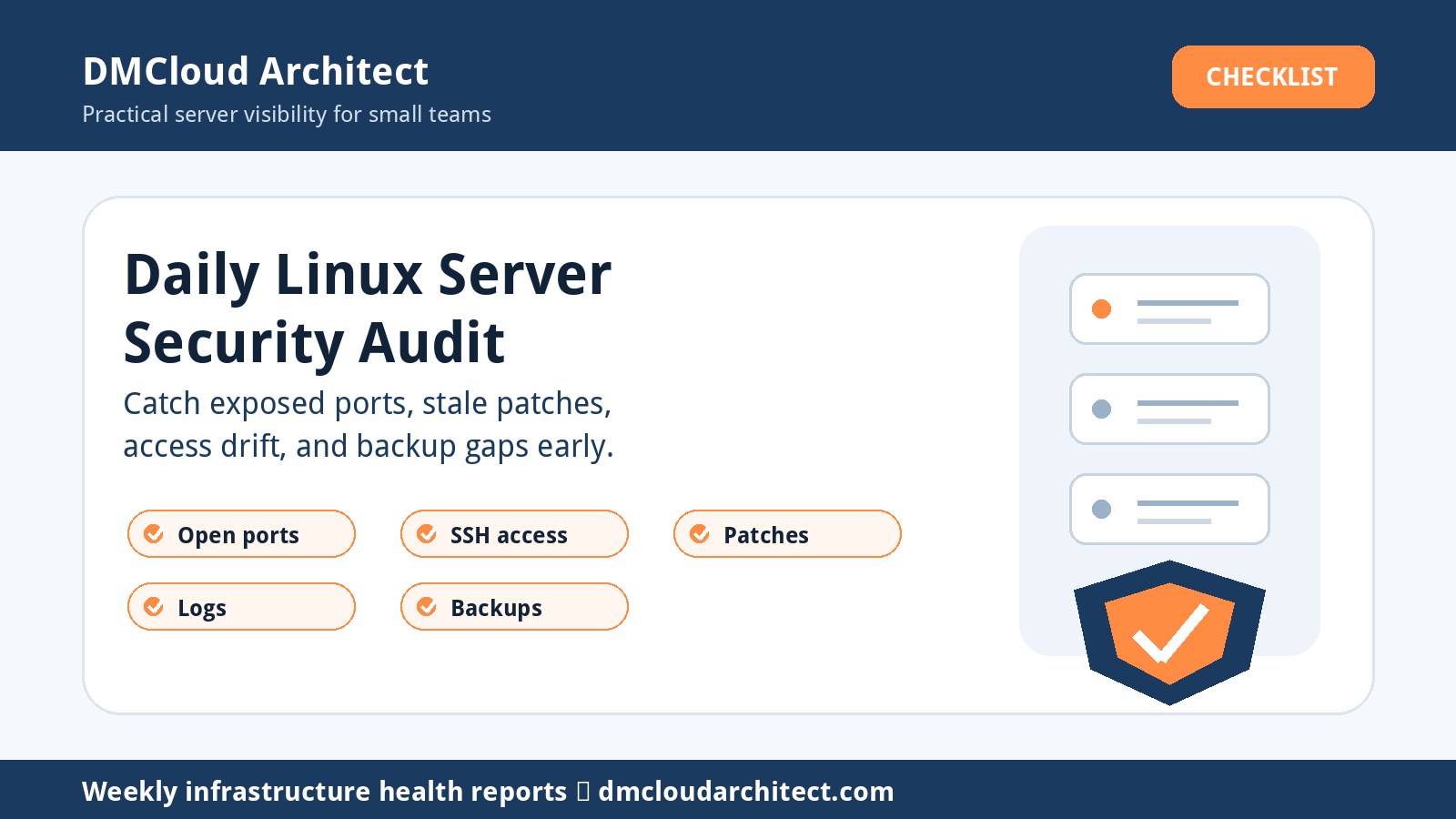
- Document expected ports, services, owners, and admin access paths.
- Disable root SSH login and password SSH login where possible.
- Remove stale users, stale SSH keys, and unnecessary sudo access.
- Track security updates, patch age, and reboot requirements.
- Compare listening ports with firewall and cloud security rules.
- Restrict database and admin interfaces to private networks or trusted paths.
- Monitor certificate expiration and unexpected web configuration changes.
- Confirm backups completed and are separated from the application account.
- Review authentication, sudo, package, service, and firewall log changes.
- Save each report so tomorrow can highlight drift instead of repeating noise.
A simple rhythm that sticks
Use daily checks for exposure, access, patches, backups, certificates, and core health. Use weekly checks for deeper hardening review, unused packages, firewall cleanup, account review, dependency updates, and documentation drift.
This rhythm keeps hardening practical. The daily report catches risky changes quickly, while the weekly review gives you space to improve the baseline without overwhelming the team.
What to do next
Pick one important server and write down its expected access path, public ports, patch rhythm, backup schedule, and critical services. Then create a short monitoring report that compares the current state with that baseline every day.
Once that report is useful, repeat the pattern across the rest of your environment. Consistent visibility beats a long hardening checklist that nobody revisits.
Want weekly infrastructure health checks without dashboard fatigue?
DMCloud Architect sends Linux and MySQL infrastructure health reports directly to your inbox, so you can spot risks early without adding another monitoring dashboard to watch.
Get the free starter plan for weekly infrastructure health reports.