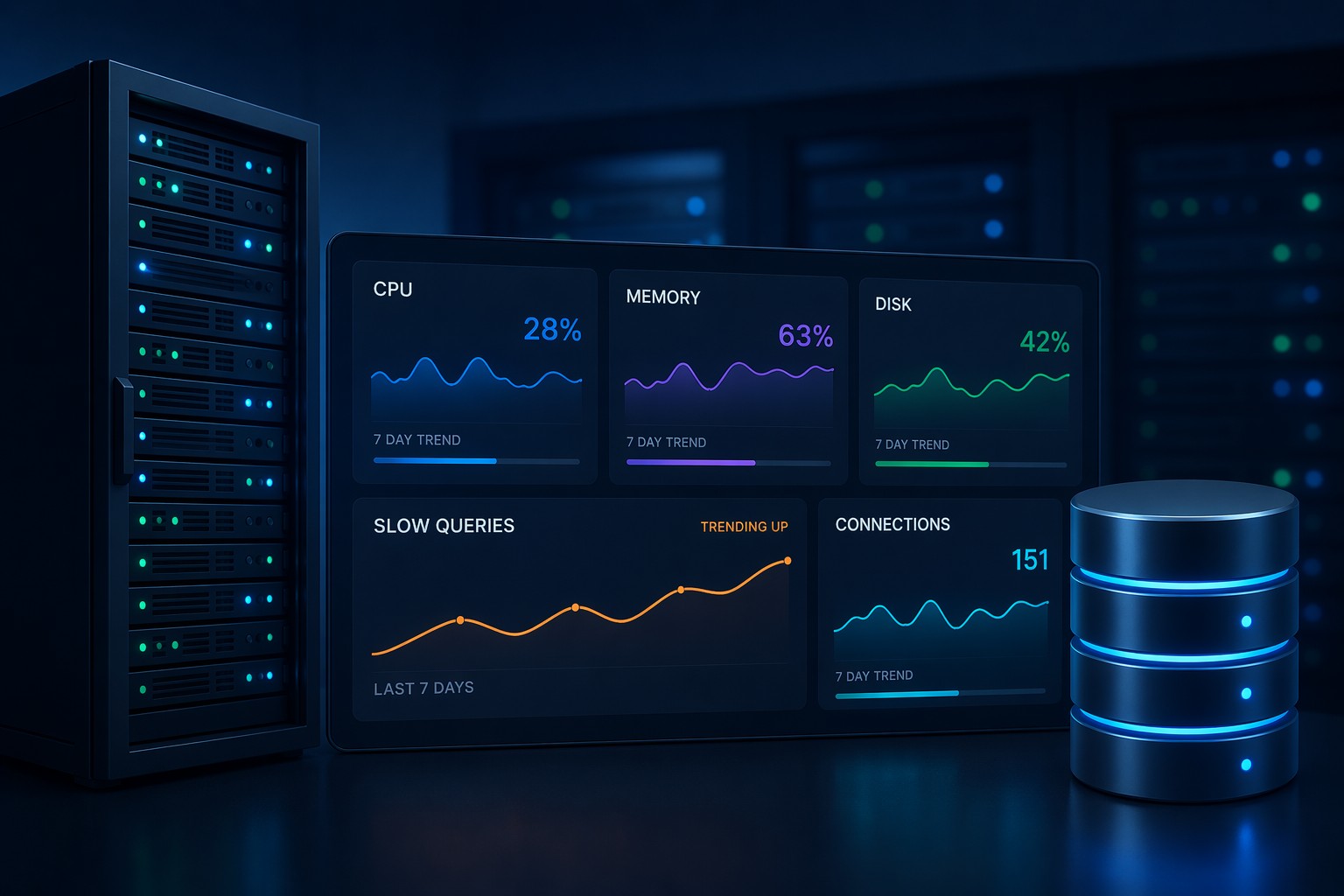
If you’ve ever logged into a server and noticed it feels “slower than usual,” CPU usage is often the first place to look. But here’s the problem—by the time you check manually, the spike is already gone.
This is where a simple cpu monitoring script linux setup becomes useful. Instead of relying on real-time checks or heavy monitoring tools, you can start capturing CPU trends over time with just a few lines of Bash.
And more importantly, you begin to see patterns—not just isolated spikes.
Why Simple CPU Monitoring Still Matters
Most monitoring tools will alert you when CPU usage crosses a threshold. But that usually happens when the problem is already affecting users.
Here’s the thing… CPU issues rarely appear out of nowhere. They grow slowly:
- Background jobs taking longer over time
- Increased traffic causing gradual load increase
- Unoptimized queries stacking up
A simple script helps you track this trend without adding complexity to your stack.
How to Monitor CPU Usage in Linux with a Script
You don’t need external tools to get started. Linux already provides everything you need.
Step 1: Create a Basic Bash CPU Monitoring Script
#!/bin/bash

TIMESTAMP=$(date "+%Y-%m-%d %H:%M:%S")
CPU_USAGE=$(top -bn1 | grep "Cpu(s)" | awk '{print $2 + $4}')

echo "$TIMESTAMP CPU: $CPU_USAGE%" >> /var/log/cpu_usage.log
This script does three simple things:
- Captures the current timestamp
- Reads CPU usage from the system
- Appends the result to a log file
That’s it. No agents. No dashboards. Just raw data you can analyze later.
Step 2: Make It Executable
chmod +x cpu_monitor.shStep 3: Schedule It with Cron
Now automate it using cron cpu monitoring linux style:
crontab -e

*/5 * * * * /path/to/cpu_monitor.sh
This runs the script every 5 minutes, giving you consistent data points.
What This Looks Like in Practice
After a few hours—or better, a few days—you’ll have a log that looks like this:
2026-04-10 10:00:00 CPU: 12.5%
2026-04-10 10:05:00 CPU: 15.2%
2026-04-10 10:10:00 CPU: 18.7%
At first glance, this might seem basic. But over time, patterns emerge.
For example:
- CPU gradually rising every afternoon
- Consistent spikes during backups
- Slow upward trend across weeks
This is where simple cpu monitoring linux becomes powerful. You’re no longer reacting—you’re observing.
Common Improvements You Can Add
Once the basic script is running, you can extend it depending on your needs.
Log Load Average
LOAD=$(uptime | awk -F'load average:' '{ print $2 }')
echo "$TIMESTAMP CPU: $CPU_USAGE% LOAD:$LOAD" >> /var/log/cpu_usage.log
Add Alert Threshold (Optional)
if (( $(echo "$CPU_USAGE > 80" | bc -l) )); then
  echo "High CPU detected: $CPU_USAGE%" | mail -s "CPU Alert" [email protected]
fi
But be careful—this is where many setups drift back into alert fatigue. Use alerts sparingly.
CPU Monitoring Without Heavy Tools
There’s a tendency to jump straight into full observability stacks. And while those have their place, they’re not always necessary.
A bash cpu monitoring script gives you:
- Full control over what you track
- No overhead from agents
- Simple, transparent data
For small teams or single-server environments, this is often enough to understand what’s happening.
Where This Approach Starts to Break Down
Of course, this approach has limits.
As your infrastructure grows, you’ll start to notice:
- Too many log files across servers
- No centralized view
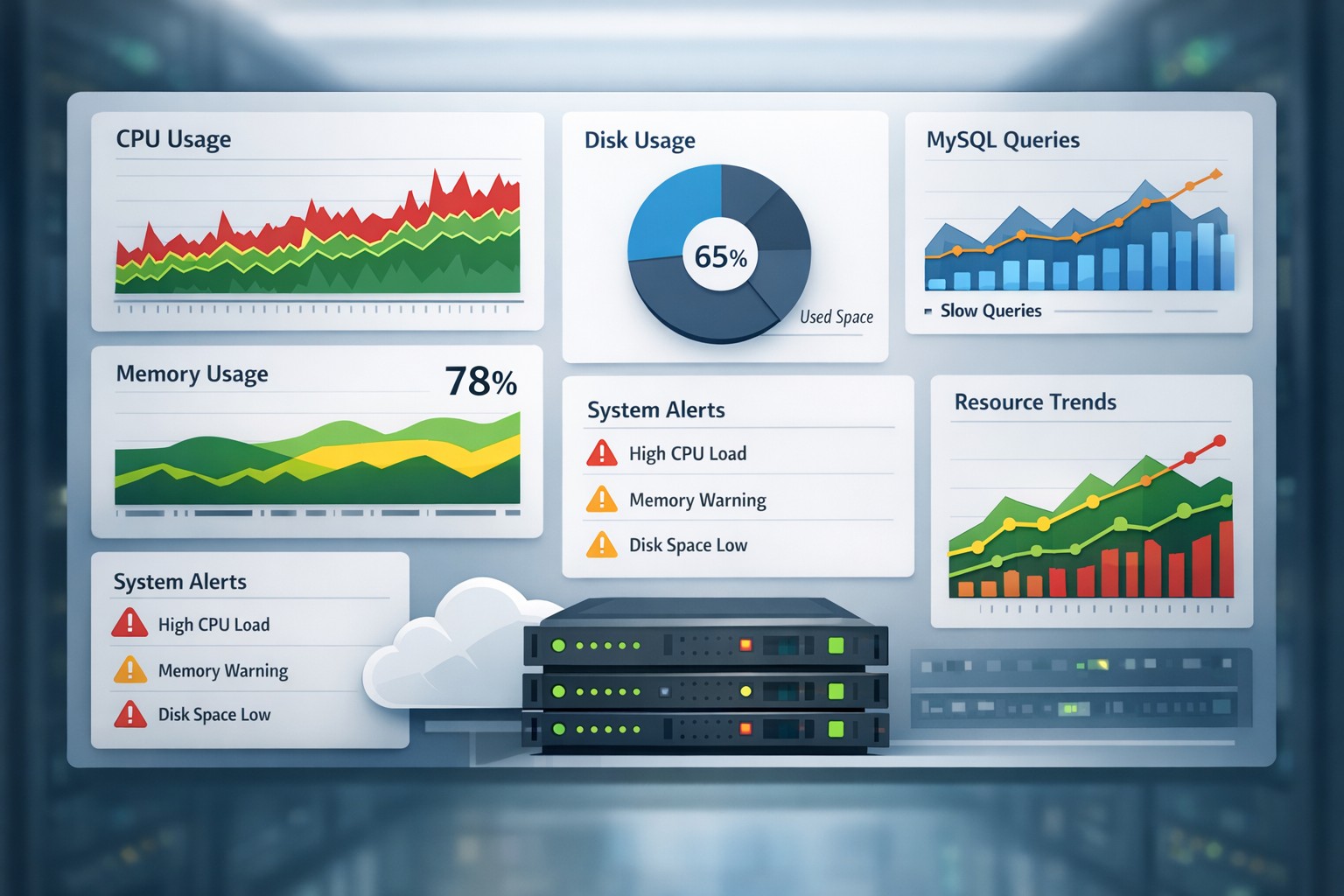
- Harder correlation between CPU, disk, and database behavior
And this is where it matters… raw logs alone don’t give you a clear health picture.
From Raw CPU Logs to Real Visibility
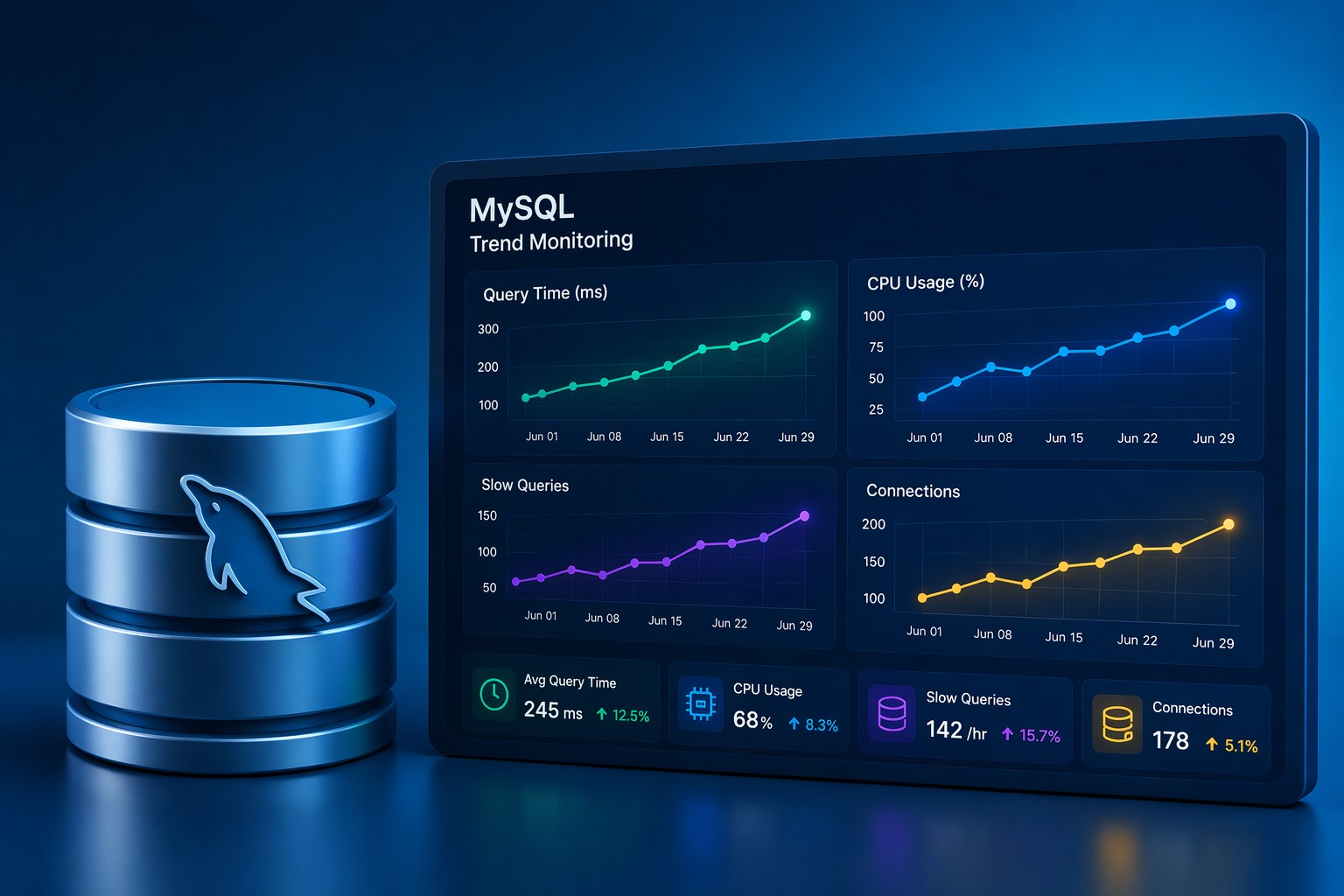
The goal isn’t just to collect CPU data—it’s to understand trends over time.
Instead of reacting to spikes, you want answers like:
- Is CPU usage increasing week over week?
- Are slow queries driving load?
- Is this normal growth or a hidden issue?
This is exactly where structured reporting becomes more valuable than raw monitoring.
Summary
A cpu monitoring script linux setup is one of the simplest ways to start understanding your system behavior. It’s lightweight, flexible, and gives you immediate visibility into CPU usage trends.
But the real value comes when you move beyond individual logs and start seeing the bigger picture across your infrastructure.
If you want to go further, take a look at Infrastructure Health Reporting. It helps turn raw system metrics into clear, trend-based insights—without adding noise or complexity.