Disk Capacity Planning for Servers: A Practical Guide
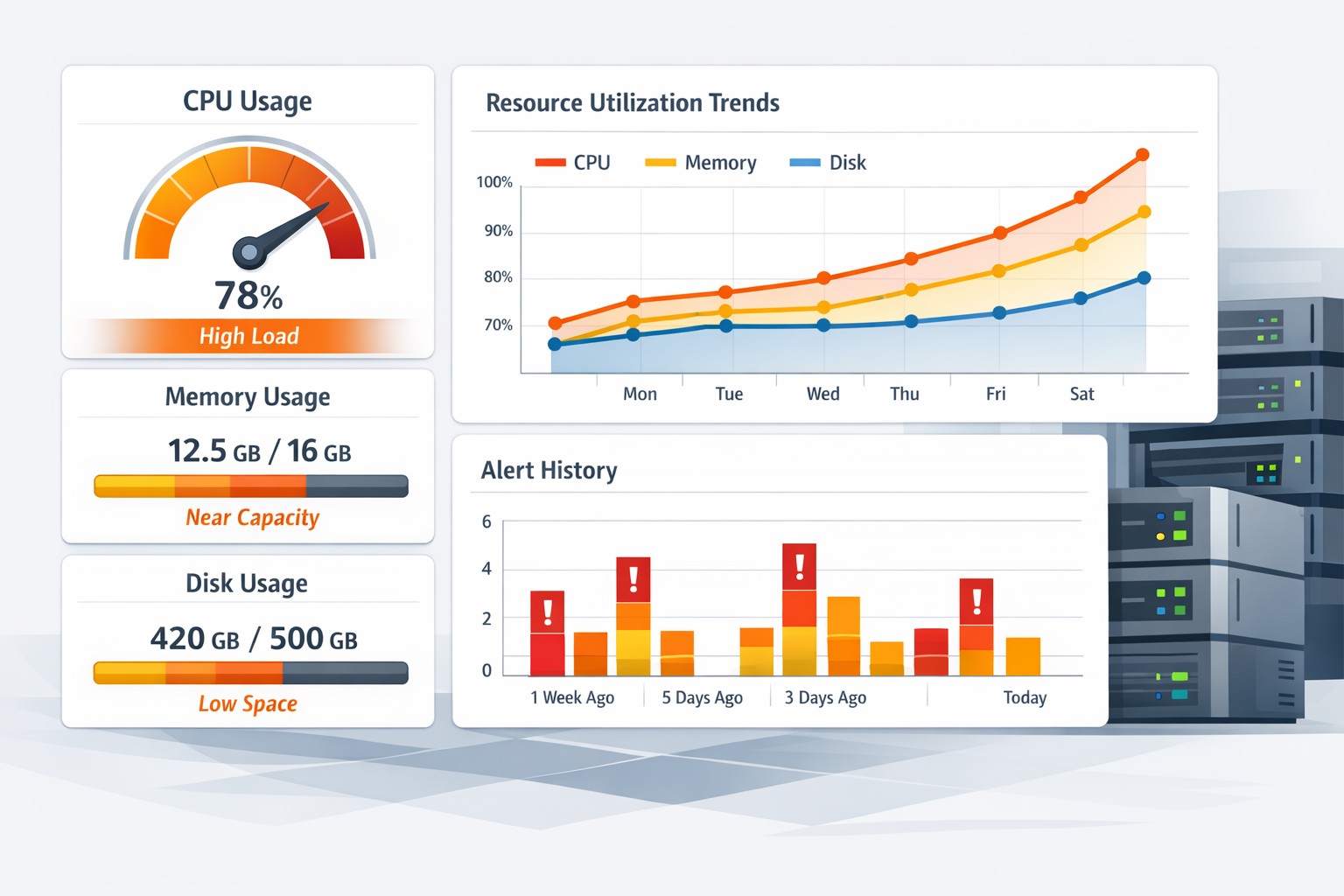
Running out of disk space on a server is rarely a sudden event—it’s usually the result of gradual growth that goes unnoticed until it becomes critical. Whether it’s log files, database growth, or backups, storage usage tends to creep up quietly. Without proper visibility, teams often react too late, leading to service disruptions or emergency scaling.
Why Disk Capacity Planning Matters
Disk capacity planning for servers is about understanding how storage usage evolves over time so you can act before problems occur. Instead of reacting to alerts when a disk hits 90%, planning focuses on predicting when it will reach that point and why.
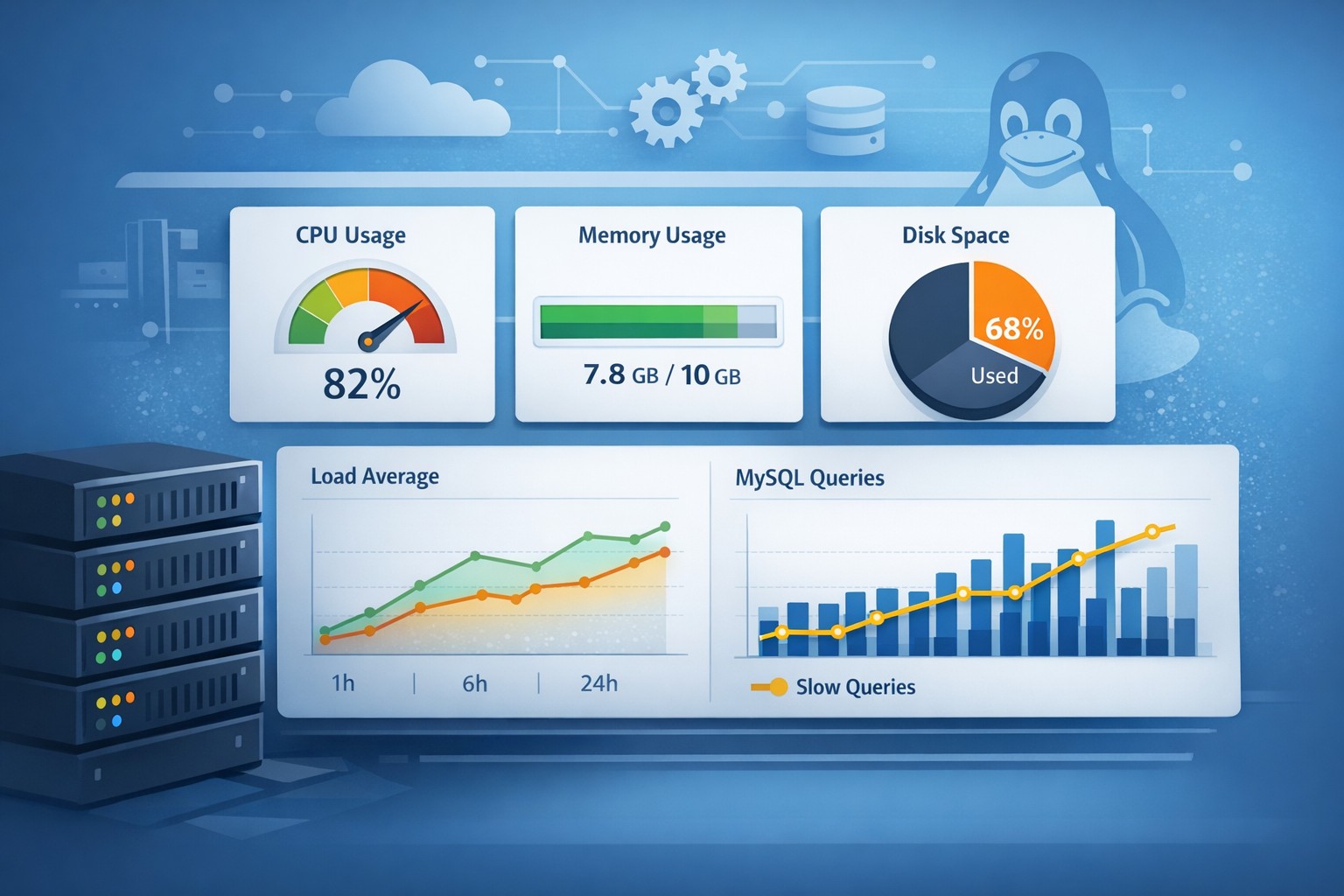
This approach is especially important for Linux environments and MySQL workloads, where data growth can be inconsistent and influenced by application behavior, query patterns, and retention policies.
What Drives Disk Growth in Real Environments
In most production systems, disk usage doesn’t grow evenly. Some of the most common contributors include:
- Application logs that are not rotated properly
- Database tables growing due to increased usage
- Temporary files and caches left unmanaged
- Backup accumulation without cleanup policies
Understanding these drivers is the first step in effective storage capacity planning in Linux systems.
How to Predict Disk Usage Growth
Predicting disk usage growth isn’t about complex forecasting models—it starts with consistent historical data. By tracking disk utilization daily or weekly, you can identify trends and estimate future usage.
For example, if a server’s /var partition grows by 2GB per week consistently, you can project when it will reach capacity. This simple form of disk forecasting in Linux is often enough to prevent outages.
Key Metrics to Track
- Total disk usage per filesystem
- Growth rate over time
- Top directories consuming space
- File type distribution (logs, binaries, data)
Practical Example: Planning Disk Growth on a Linux Server
Consider a MySQL server where the data directory grows steadily due to transaction volume. Over a month, you observe:
- Week 1: 120GB
- Week 2: 135GB
- Week 3: 150GB
- Week 4: 165GB
This shows a consistent growth of ~15GB per week. If the disk capacity is 250GB, you can estimate that you have roughly 5–6 weeks before hitting limits. This gives you time to:
- Expand storage
- Archive old data
- Optimize database retention
This is the core of planning disk growth on a server—turning raw data into actionable timelines.
Common Mistakes in Disk Capacity Planning
- Relying only on alerts: Alerts tell you when you already have a problem.
- No historical tracking: Without trends, prediction is impossible.
- Ignoring growth patterns: Not all growth is linear—spikes matter.
- Overcomplicating tools: Heavy monitoring systems can obscure simple insights.
Why Trend-Based Monitoring Works Better
Instead of focusing on real-time noise, trend-based monitoring highlights how systems evolve. For disk capacity planning, this means understanding whether usage is stable, accelerating, or unpredictable.
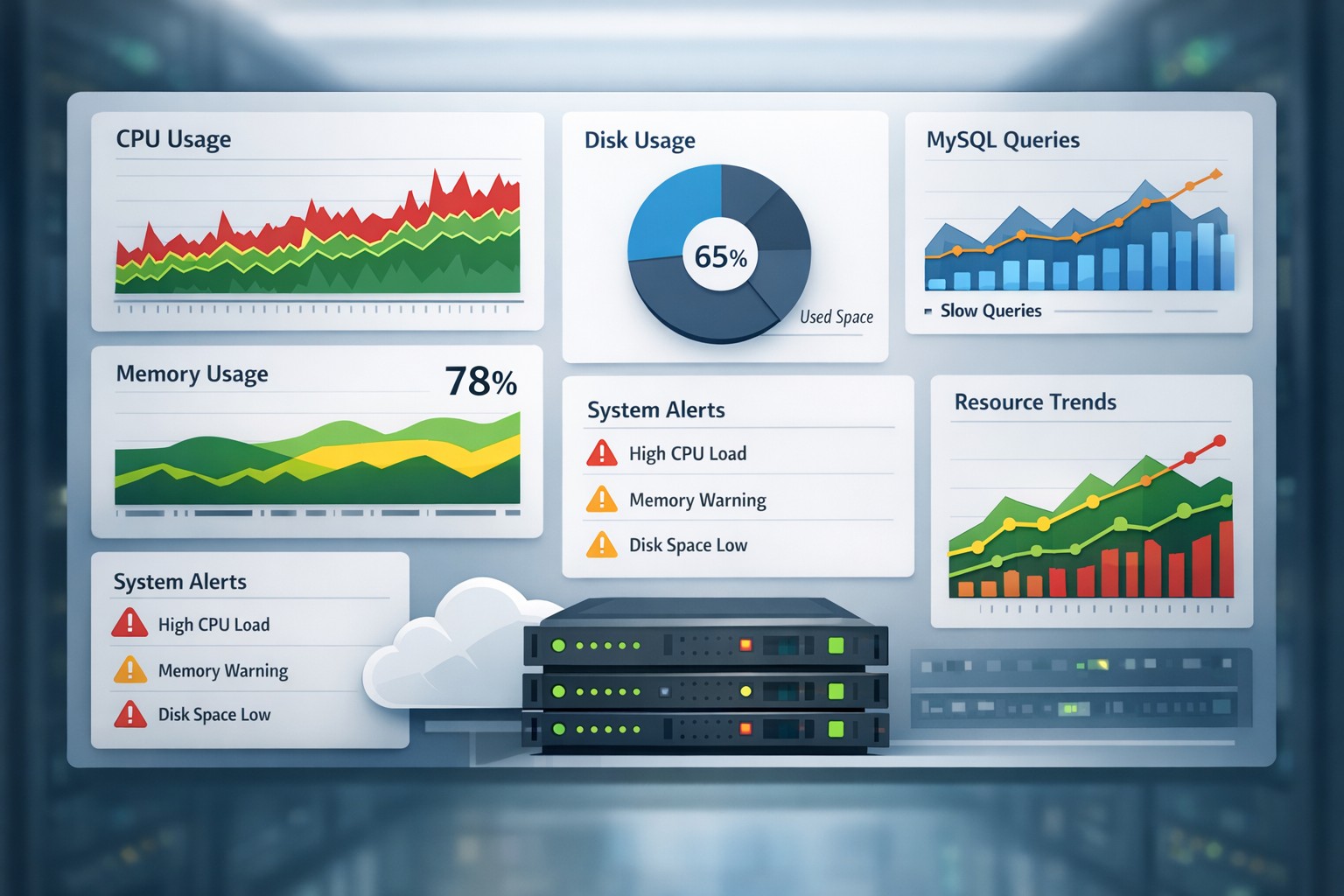
Lightweight reporting that shows weekly or monthly changes often provides more actionable insights than complex dashboards filled with short-term metrics.
Summary
Disk capacity planning for servers is about staying ahead of growth, not reacting to failures. By tracking usage trends, understanding what drives storage consumption, and estimating future needs, teams can avoid downtime and make informed infrastructure decisions.
If you want a simple way to visualize disk growth trends and understand how your infrastructure evolves over time, explore Infrastructure Health Reporting to gain clearer visibility without adding complexity.