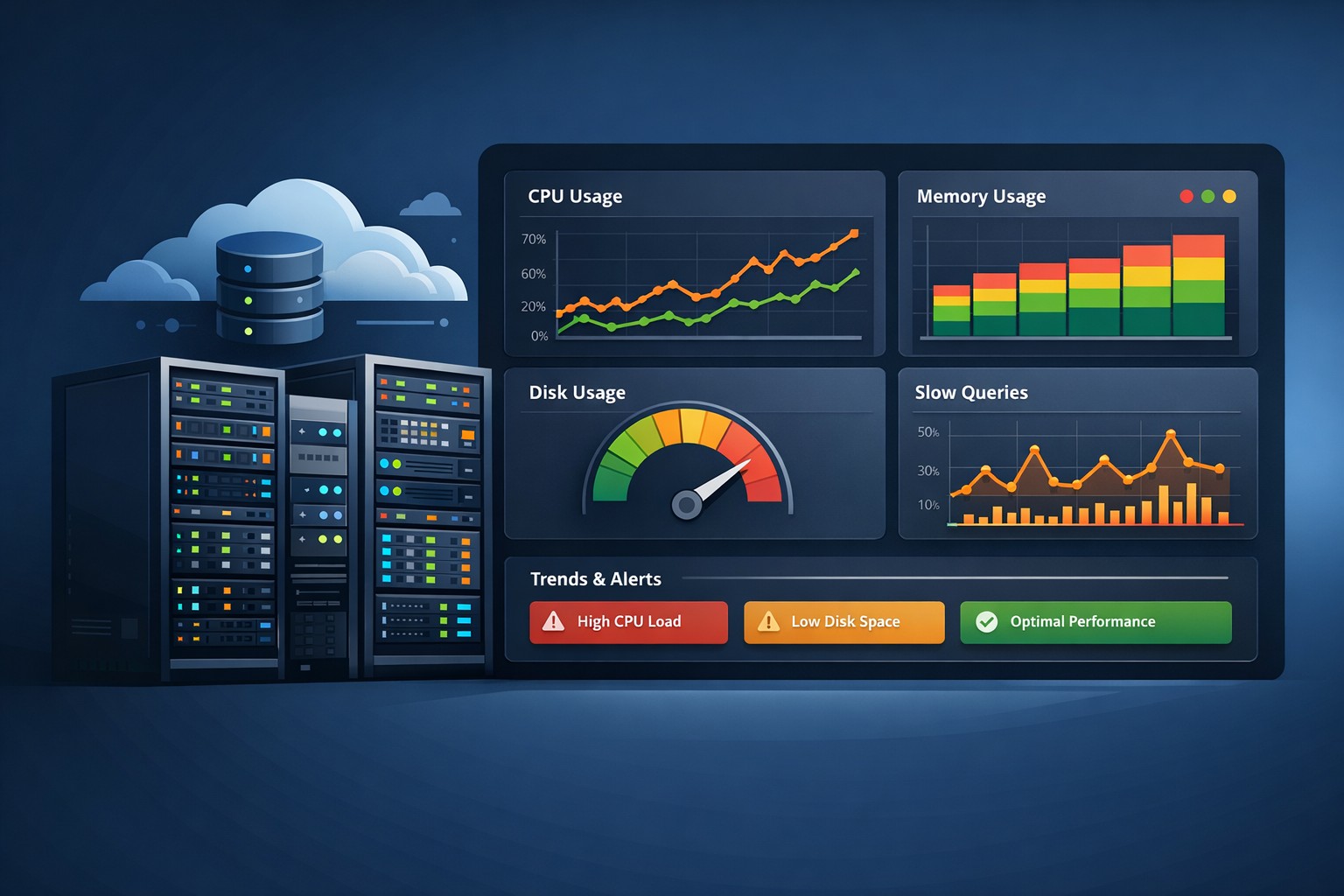
Disk Usage Trends in Linux Servers: Why They Matter
Disk space rarely becomes a problem overnight. In most Linux environments, storage issues build gradually—log files grow, databases expand, backups accumulate. Yet many teams only notice disk problems when systems are already close to failure.
This is where understanding disk usage trends in Linux servers becomes critical. Instead of reacting to alerts at 95% capacity, you can see growth patterns early and make informed decisions before outages happen.
Why Disk Usage Trends Matter
Traditional monitoring often focuses on real-time alerts: “disk is full” or “disk is at 90%.” While useful, these alerts come late in the lifecycle of a problem.
Trend-based monitoring answers more important questions:
- How fast is disk space growing?
- Which partitions are expanding over time?
- When will we run out of space if nothing changes?
For small infrastructure teams, this visibility is the difference between proactive maintenance and emergency firefighting.
How to Monitor Disk Growth in Linux
To effectively monitor disk growth in Linux, you need more than a snapshot—you need historical data.
1. Capture Disk Usage Regularly
Use simple tools like df or du on a scheduled basis:
df -h >> /var/log/disk-usage.logThis creates a baseline of disk usage history in Linux, which can later be analyzed for patterns.
2. Store Data Over Time
Instead of overwriting logs, store them daily or hourly. This allows you to build a timeline of disk space usage over time on your server.
3. Visualize Trends
Raw logs are useful, but visualizing data makes trends obvious. Even simple graphs can reveal:
- Steady linear growth
- Sudden spikes due to deployments or backups
- Unexpected drops after cleanup jobs
What Disk Growth Trends Reveal
Tracking disk growth trends in Linux environments often uncovers hidden operational issues.
Log File Accumulation
Applications that don’t rotate logs properly can quietly consume gigabytes of storage over weeks.
Database Expansion
MySQL databases tend to grow steadily. Without trend tracking, capacity planning becomes guesswork.
Backup Misconfiguration
Duplicate or unpruned backups can cause exponential growth in disk usage.
Temporary File Buildup
Cache directories and temp files often grow unnoticed until they trigger disk pressure.
Real-World Example
Consider a Linux server running a production application. Disk usage appears stable at 60%, so no alerts are triggered.
However, when you track disk usage trends, you notice a steady increase of 2% per week. At that rate, the server will hit critical capacity in about 5 months.
With this insight, the team can:
- Expand storage in advance
- Optimize log rotation
- Review database growth patterns
Without trend data, this issue would only surface when the disk is nearly full.
Moving Beyond Reactive Monitoring
Tracking disk usage history in Linux shifts your approach from reactive to proactive. Instead of asking “what is happening right now,” you start asking “what will happen next?”
This approach is especially valuable for small teams that don’t have time to constantly watch dashboards. Weekly or daily reports highlighting disk growth trends provide actionable insights without adding noise.
Summary
Disk issues are predictable when you have the right visibility. By tracking disk usage trends in Linux servers, you can identify growth patterns early, prevent outages, and plan capacity with confidence.
If you want a simpler way to understand how your infrastructure evolves over time, explore Infrastructure Health Reporting. It helps surface disk growth trends alongside CPU, memory, and database behavior—giving your team practical insights without the complexity of heavy monitoring tools.