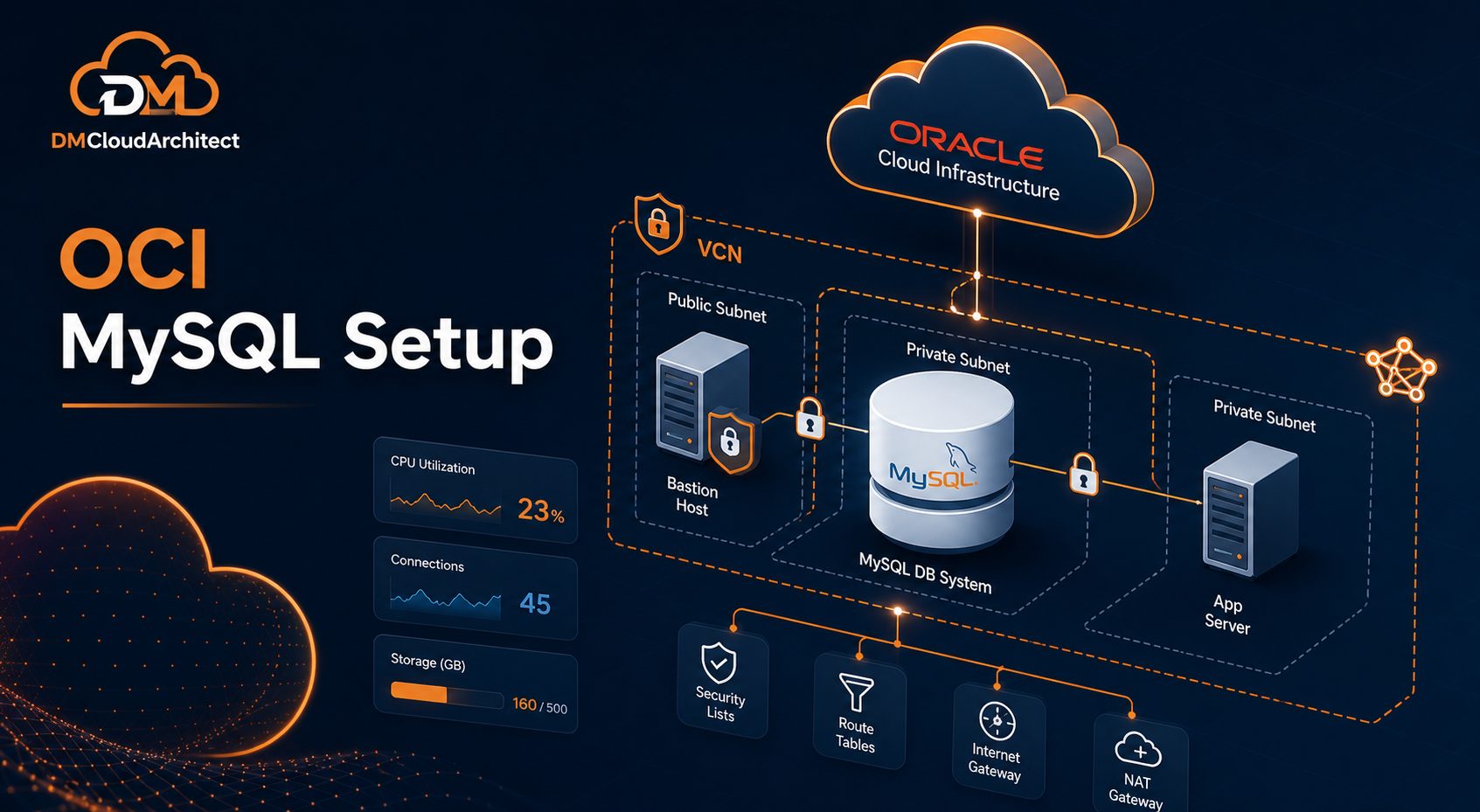
Setting up MySQL in Oracle Cloud is not just a matter of clicking through a database wizard. The database system needs a network, a security model, backup planning, and a clear access pattern before it becomes useful for real applications.
That is where many first-time OCI deployments become messy. The database may work in a test subnet, but later the team has trouble connecting from application servers, opening the right ports, managing backups, or deciding whether MySQL HeatWave features are needed.
A practical Oracle Cloud MySQL setup starts with the environment around the database, not only the database itself. If you plan the VCN, subnet, access rules, and maintenance approach first, the actual MySQL deployment becomes much cleaner.
Start With the Deployment Goal
Before creating a MySQL DB system in OCI, decide what role the database will play. A small internal application, a public web application, a reporting workload, and a development sandbox all need different choices.
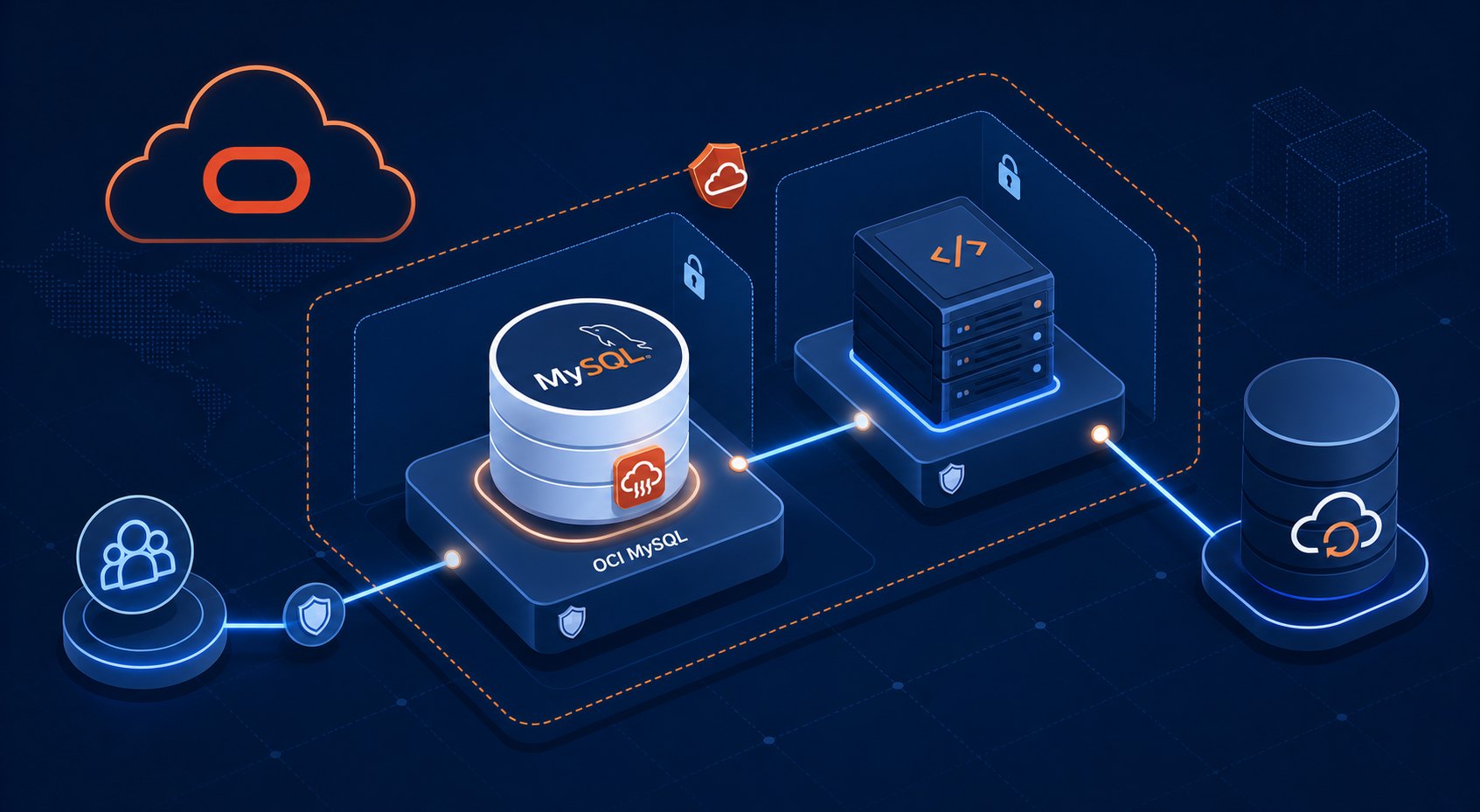
For a production application, you normally want the database in a private subnet. Application servers can connect to it over the private network, while the database stays away from direct internet exposure. For testing or learning, you may use a simpler layout, but it is still worth keeping the design close to how you would run it later.
Ask a few basic questions before provisioning anything:
- Which application servers or services need to connect to MySQL?
- Should the database be private, public, or reachable through a bastion host?
- What backup retention does the workload need?
- Will the workload need MySQL HeatWave analytics features?
- Who will manage patches, credentials, and operational checks?
These decisions shape the whole setup. They also help prevent the common pattern where a database is created quickly, then redesigned later because it was placed in the wrong subnet or exposed too broadly.
Prepare the OCI Network First
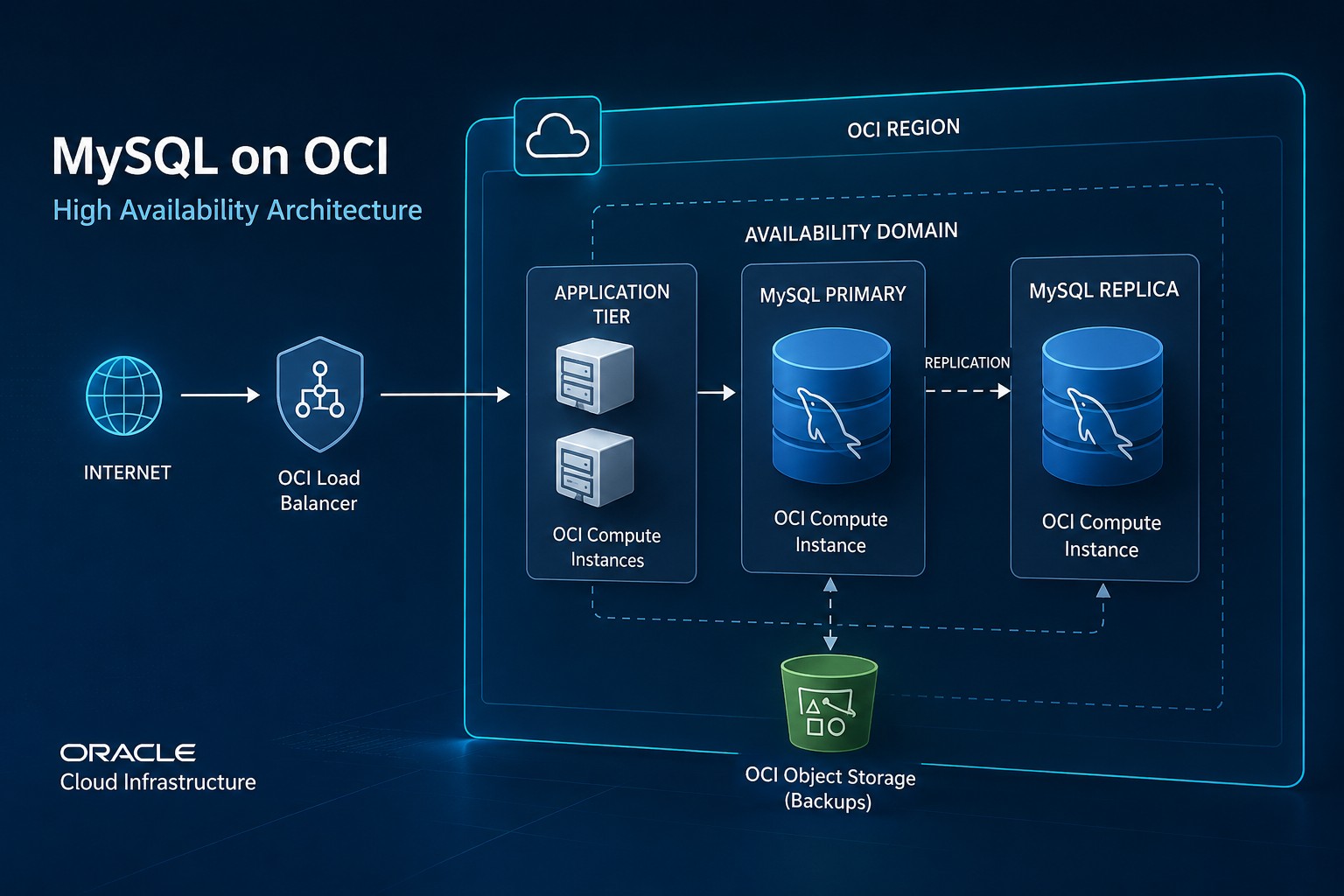
The Virtual Cloud Network is the foundation for your Oracle Cloud MySQL setup. At minimum, you need a VCN, subnet, route rules, and security rules that match how the application will connect.
For a clean production-style layout, use a private subnet for the MySQL DB system and keep application servers in either a private application subnet or a controlled public subnet. The database subnet should allow MySQL traffic only from trusted sources, not from the entire internet.
Security lists or Network Security Groups can both work, but NSGs are often easier to reason about for application-to-database access. You can create a rule that allows TCP 3306 from the application server NSG to the database NSG. That is clearer than broad CIDR-based rules that become difficult to audit later.
Create the MySQL DB System With Maintenance in Mind
When creating the DB system, choose the compartment, subnet, shape, storage size, admin user, and backup options carefully. For a small workload, it may be tempting to pick the smallest shape and move on. That can be fine for a lab, but production systems need enough headroom for connection spikes, backups, and normal growth.
If you are following an OCI MySQL HeatWave tutorial, pay attention to which parts are required for a standard MySQL service and which parts are specific to HeatWave. HeatWave can be valuable for analytics workloads, but not every application needs it on day one.
For a basic setup, focus first on:
- Creating the DB system in the correct compartment and subnet.
- Choosing a shape that fits the workload and expected growth.
- Enabling automated backups with a retention period that matches your recovery needs.
- Defining secure admin credentials and storing them properly.
- Confirming that application hosts can connect over the private network.
This is also the right time to document the configuration. Record the compartment, subnet, NSG rules, backup retention, admin access method, and maintenance ownership. That documentation becomes useful when troubleshooting connection issues or planning upgrades.
Test Connectivity From the Right Place
A common mistake is testing database access from a laptop and assuming the application will behave the same way. In a well-designed OCI environment, the database may not be reachable directly from the public internet, and that is usually a good thing.
Test from the application server, a bastion host, or another controlled host inside the VCN. Use the private endpoint and confirm that DNS, routing, and security rules all line up.
mysql -h your-private-mysql-endpoint -u app_user -pIf the connection fails, work through the path step by step. Check the subnet, route table, NSG or security list, source host, destination port, and database endpoint. Most early connection problems come from network rules, not from MySQL itself.
Plan Users, Backups, and Operations
After the database is reachable, create application-specific users instead of using the administrative account for everything. Give each user only the permissions it needs. This makes the environment safer and easier to maintain.
Backups also need a real decision. Automated backups are helpful, but you should still understand the retention period, restore process, and recovery expectations. A backup strategy is only useful if someone knows how to restore from it when needed.
For ongoing operations, keep a simple maintenance checklist:
- Review backup status and retention.
- Track storage growth and connection usage.
- Review users and permissions regularly.
- Check patching and maintenance windows.
- Document changes to networking and access rules.
These basics matter more than adding complex tooling too early. A stable Oracle Cloud MySQL database starts with clear ownership and predictable maintenance habits.
Common Setup Mistakes to Avoid
The biggest mistake is exposing the database too broadly. Opening MySQL access to large public ranges may feel convenient during setup, but it creates unnecessary risk. Use private networking and narrow rules whenever possible.
Another mistake is ignoring the application path. The database may be healthy, but if the application subnet, NSG, DNS, or route rules are wrong, the application still cannot connect. Always validate from the same network path the application will use.
Teams also sometimes skip backup testing. Enabling backups is not the same as knowing how restore works. Even a small restore test can reveal assumptions before an incident forces the issue.
Summary
Oracle Cloud MySQL setup works best when you treat it as an infrastructure design task, not only a database creation task. Start with the workload goal, place the database in the right subnet, use narrow access rules, enable backups, and test connectivity from the actual application path.
A clean setup gives you a better starting point for performance tuning, HeatWave evaluation, replication, or future maintenance. It also makes the environment easier to explain, support, and improve over time.
Want weekly infrastructure health checks without dashboard fatigue?
DMCloud Architect sends Linux and MySQL infrastructure health reports directly to your inbox, so you can spot risks early without adding another monitoring dashboard to watch.
Get the free starter plan for weekly infrastructure health reports.