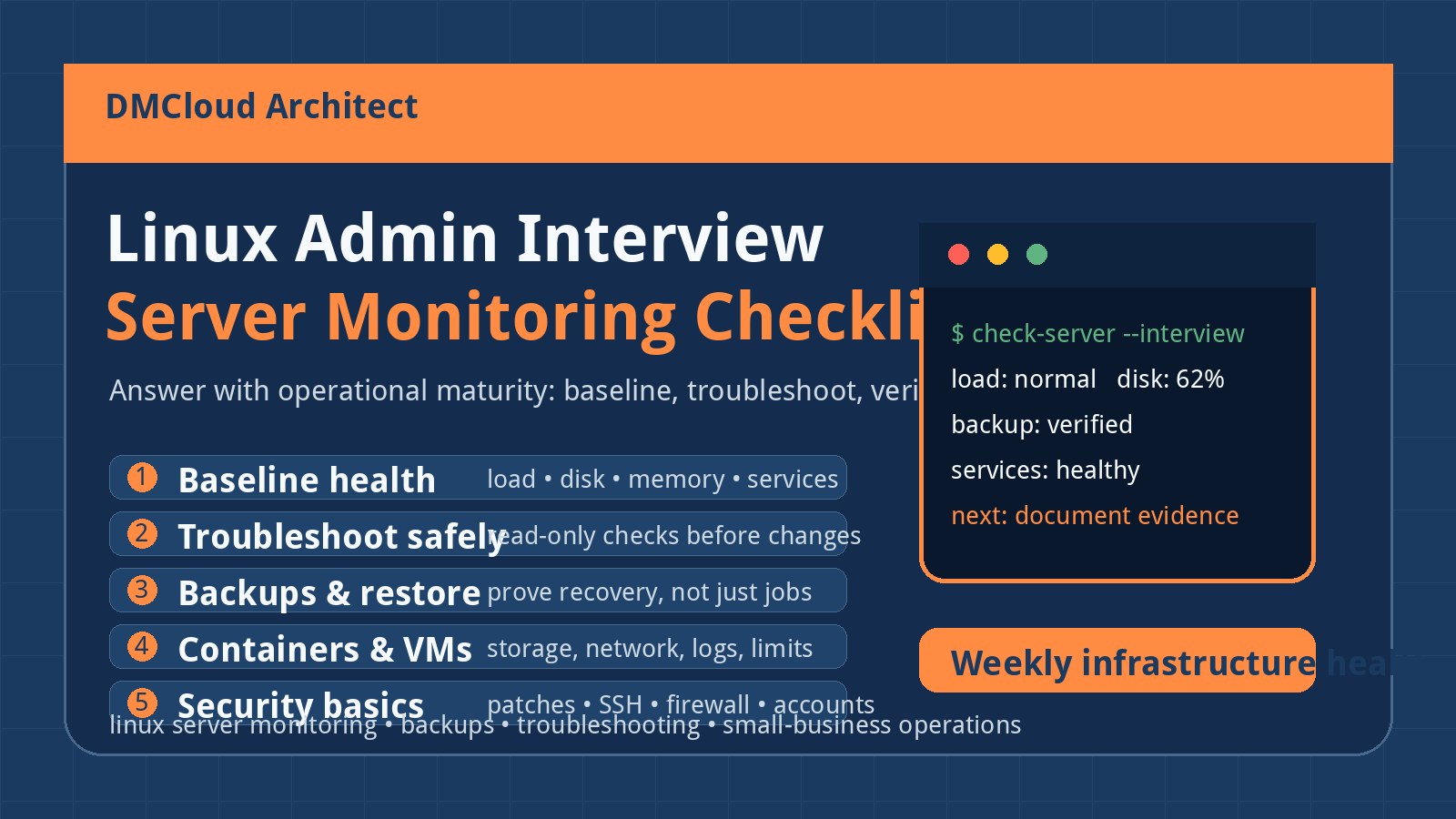
Many Linux administrator interviews are less about reciting every command from memory and more about proving that you can keep real systems healthy. If your background includes homelabs, small-business support, containers, Proxmox, DNS, DHCP, backups, and the habit of researching unfamiliar problems, that experience is useful. The key is to translate it into operational answers instead of sounding like you are guessing from a search result.
This checklist is written for practical candidates, developers, and small business owners who want to understand what “capable Linux admin” sounds like in a production conversation. It connects common interview topics to the same habits that make linux server monitoring effective: baseline the system, verify assumptions, watch trends, document changes, and recover cleanly when something breaks.
Start with the mindset interviewers are listening for
A strong Linux admin does not need to pretend they know every package option by heart. In real operations, senior people look things up too. What matters is whether you can explain how you narrow a problem safely, avoid making damage worse, and leave the environment more understandable than you found it.
- Say how you think: describe your first checks, what evidence you collect, and which assumptions you test.
- Separate symptoms from causes: high CPU, full disk, failed DNS, and slow applications are starting points, not diagnoses.
- Use safe commands first: prefer read-only inspection before restarting services, killing processes, changing firewall rules, or editing configs.
- Know when to escalate: explain when you would involve a database owner, network admin, vendor, or application developer.
- Document the result: a fix that nobody can repeat is only half a fix.
If you are asked, “What do you do when a server is slow?” a better answer is not a single command. A better answer is a sequence: check load, CPU wait, memory pressure, disk I/O, network errors, recent deploys, service logs, and user impact before changing anything.
Prepare for troubleshooting questions with a repeatable flow
Most Linux admin interviews include scenarios: the website is slow, SSH is failing, disk is full, DNS is broken, a container cannot reach the network, or a service will not start. You can answer these with a calm checklist rather than a memorized script.
- Confirm the report: who is affected, when it started, whether it is intermittent, and whether monitoring shows the same symptom.
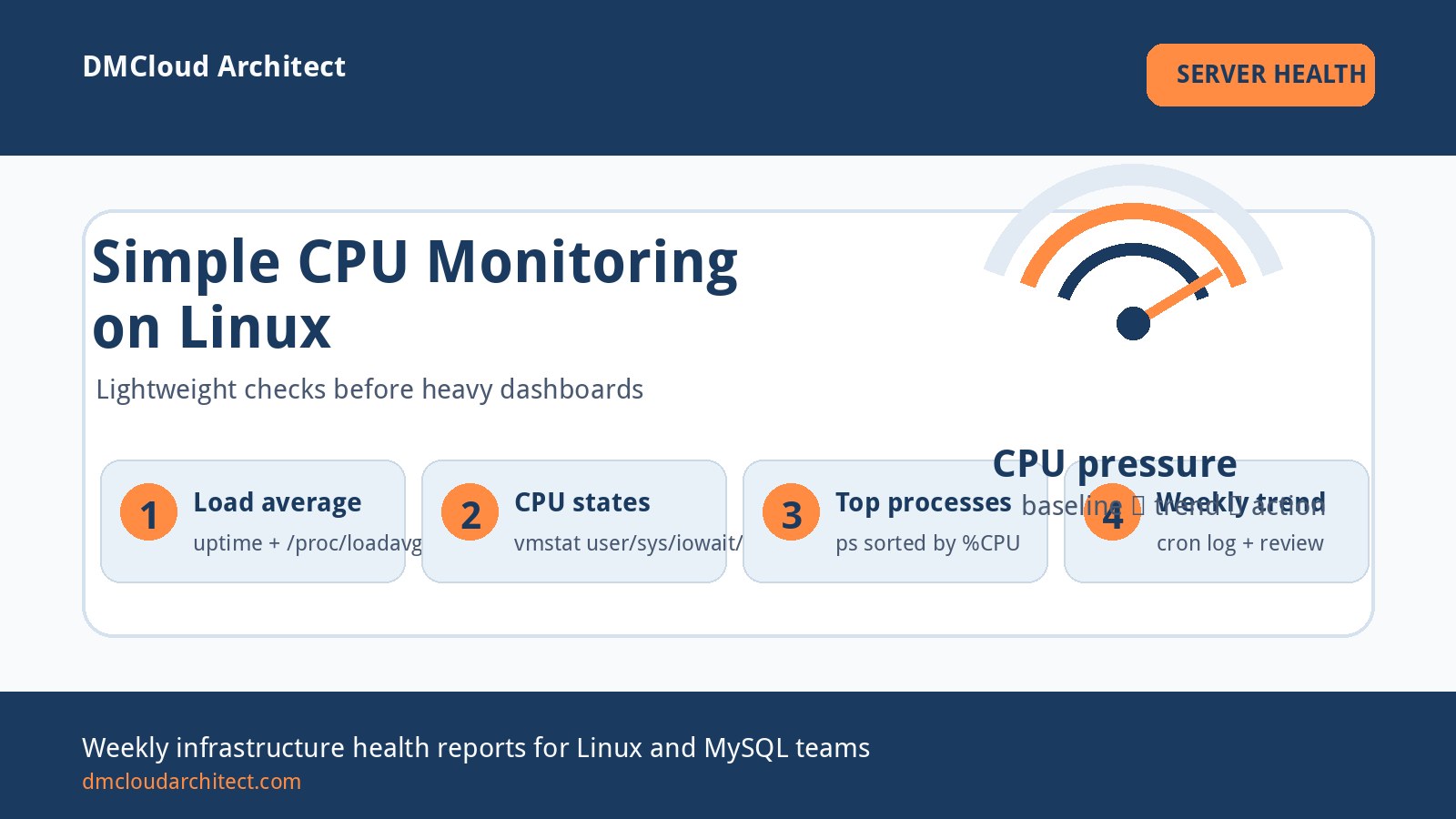
- Check system basics: uptime, load average, CPU, memory, disk usage, inode usage, and network reachability.
- Inspect the service: systemd status, recent logs, config changes, dependency health, ports, and permissions.
- Compare against baseline: is this load normal for Monday morning, or is it different from the last healthy report?
- Make one change at a time: record what you changed, why, and how you verified the outcome.
This is where small-business operations experience can stand out. If you have supported routers, DHCP, Proxmox, backups, and customer systems, talk about how you verified service restoration and communicated risk, not only which command you typed.
Know the server health topics that appear again and again
Interviewers often circle around fundamentals because production reliability depends on them. You do not need a perfect textbook answer to every edge case, but you should be comfortable explaining what you check and why.
- CPU and load: explain the difference between high CPU usage, high load average, and I/O wait.
- Memory: discuss free memory, cache, swap activity, out-of-memory events, and process-level growth.
- Disk: check filesystem usage, inode exhaustion, mount points, growth patterns, logs, backups, and database files.
- Networking: validate IP configuration, routing, DNS resolution, firewall rules, listening ports, and packet loss.
- Services: use systemd, logs, exit codes, dependency checks, and recent change history.
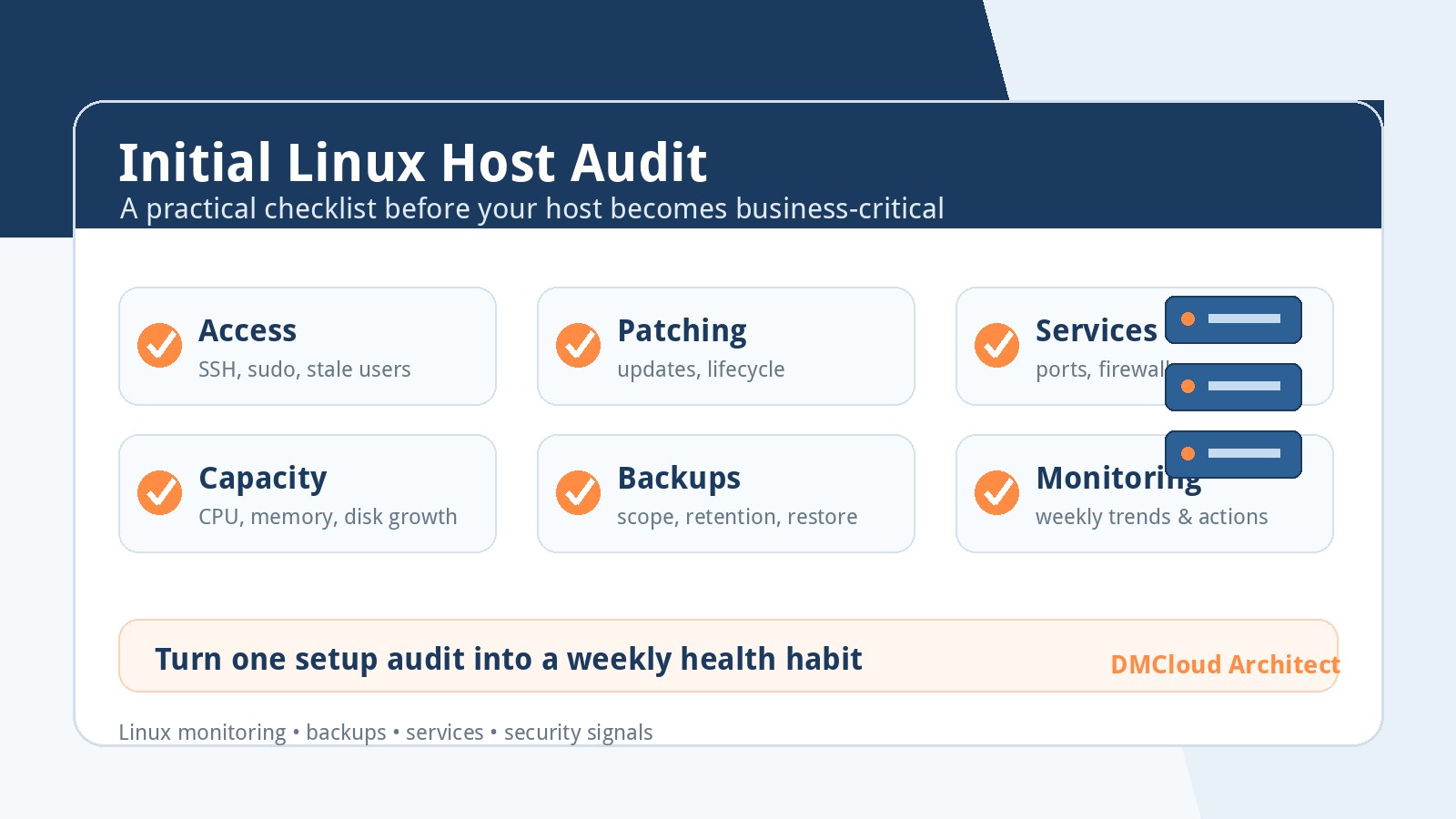
- Security basics: review patch status, SSH access, sudoers, firewall exposure, failed logins, and stale accounts.
A practical linux server monitoring answer ties these together. For example: “I want a weekly view of disk growth, failed services, load trends, backup age, and security updates so I am not discovering every problem from an outage ticket.”
Turn homelab and SOHO experience into production language
Homelab experience can be valuable when you frame it correctly. Running a headless Debian system 24/7, maintaining DNS and DHCP, managing containers, restoring backups, and supporting small offices all map to real operational skills. The interview risk is underselling it as “just my Raspberry Pi” instead of explaining the responsibilities you practiced.
- DNS and DHCP: talk about lease troubleshooting, name resolution, static reservations, failover planning, and how outages affect users.
- Containers: explain image updates, persistent volumes, environment variables, networks, logs, restart policies, and resource limits.
- Proxmox or virtualization: discuss VM backups, snapshots, storage pools, bridges, restore testing, and capacity planning.
- Backups: emphasize restore verification, not only backup creation. A backup strategy is unproven until restore has been tested.
- Small office support: describe prioritization, communication, risk reduction, and maintaining service for non-technical users.
When asked about something you have not done at enterprise scale, answer honestly and bridge to your method: “I have handled this in a smaller environment. In production I would first confirm the runbook, change window, rollback path, and monitoring before applying the same principle at larger scale.”
Have answers ready for backup and recovery questions
Backup questions are common because they reveal whether someone thinks beyond installation. A capable answer includes backup scope, schedule, retention, offsite storage, restore testing, and evidence. If you have used Clonezilla, VM snapshots, database dumps, or file-level backups, explain where each tool fits and what its limitations are.
- Image backups: useful for bare-metal or VM recovery, but they may be heavy and need hardware or storage planning.
- File backups: useful for configs, uploads, and application data, but they need permissions and ownership checks after restore.
- Database backups: require consistency, retention, restore testing, and sometimes point-in-time recovery planning.
- Snapshots: fast rollback tools, but not a complete backup strategy by themselves.
- Restore drills: the best proof that the plan works.
A strong interview answer might be: “I verify the backup exists, confirm what it covers, test a restore to a separate location when possible, and monitor the next scheduled run. I do not mark backup work complete just because a job says it ran.”
Use monitoring examples to show judgment, not tool worship
It is easy to list tools. It is more useful to explain what you would monitor for a small business server and why. Interviewers want to hear that you understand tradeoffs: too little monitoring misses outages; too much noisy monitoring trains people to ignore alerts.
- Availability: can users reach the services that matter?
- Resource trends: are CPU load, memory pressure, disk usage, and inode counts moving in the wrong direction?
- Service failures: which systemd services failed or restarted unexpectedly?
- Backups: when did the last successful backup complete, and has a restore been tested?
- Updates and security: are critical packages waiting, and are exposed services still intentional?
- Logs: are authentication failures, application errors, or kernel messages increasing?
For developers and small business owners, the best monitoring system is often the one someone will actually review. A concise weekly infrastructure health report can be more actionable than a dashboard nobody opens until customers complain.
Prepare a few concise stories
Good interview answers often use short stories. Choose examples where you diagnosed a problem, protected data, improved reliability, or learned from a mistake. Keep each story structured: situation, evidence, action, verification, and what changed afterward.
- Slow service: explain how you distinguished CPU pressure from disk I/O, database latency, or network issues.
- Failed update: describe rollback, logs, package state, and communication.
- Backup restore: show how you verified data integrity after recovery.
- Container incident: talk about volumes, environment variables, ports, logs, and restart behavior.
- Security cleanup: mention stale accounts, SSH keys, firewall exposure, and patch verification.
These stories make you sound capable because they show evidence-based thinking. They also help you avoid rambling when nerves are high.
Do not hide that you look things up
Every competent administrator looks up syntax, vendor documentation, bug reports, and community examples. The difference is how they validate what they find. In an interview, avoid saying “I just Google it” as if that is the whole method. Instead, explain that you research, compare sources, test safely, and verify the result.
A polished answer is: “I do not rely on memory for risky commands. I check the man page or vendor docs, confirm the environment, test in a safe place when possible, make a reversible change, and verify with logs and monitoring.” That answer sounds far more professional because it matches how careful production work actually happens.
A final quick checklist before the interview
- Practice explaining your troubleshooting order for a slow Linux server.
- Review basic systemd, logs, disk, memory, networking, DNS, firewall, and SSH checks.
- Prepare one backup-and-restore story with a clear verification step.
- Prepare one container or virtualization story that includes storage and networking.
- Prepare one monitoring answer that includes trends, alerts, and business impact.
- Be honest about gaps, but pair each gap with a safe learning and validation method.
The takeaway is simple: interviewers are looking for operational maturity. If you can explain how you keep servers observable, recoverable, secure, and documented, your practical experience becomes a strength rather than something you need to apologize for.
Want weekly infrastructure health checks without dashboard fatigue?
DMCloud Architect sends Linux and MySQL infrastructure health reports directly to your inbox, so you can spot risks early without adding another monitoring dashboard to watch.
Get the free starter plan for weekly infrastructure health reports.