Back to Blog
Simple MySQL Monitoring: What to Track and Why It Matters

Simple MySQL Monitoring: What to Track and Why It Matters

   Mariusz Antonik    Database    3 min read    5 views

Many MySQL environments start small and run without dedicated monitoring. Everything seems fine until users report slow queries, applications begin timing out, or backups fail without anyone noticing. By the time the issue is discovered, troubleshooting often becomes more difficult than it should be.

A simple monitoring approach helps administrators identify problems early without deploying a complex observability platform. The goal is not to collect every possible metric. Instead, focus on a small set of indicators that provide a clear picture of database health and performance.

Why Simple MySQL Monitoring Works

Organizations often assume effective monitoring requires dozens of dashboards and thousands of metrics. In reality, a lightweight approach is usually enough for small and medium-sized deployments.

Simple monitoring allows teams to:

  • Detect performance issues before users complain
  • Track database growth trends
  • Identify resource bottlenecks
  • Verify backups and maintenance tasks
  • Reduce troubleshooting time during incidents

Key Metrics to Monitor

Server Availability

The first requirement is knowing whether the MySQL server is reachable. A failed database service can immediately impact applications, websites, and internal systems.

Connections

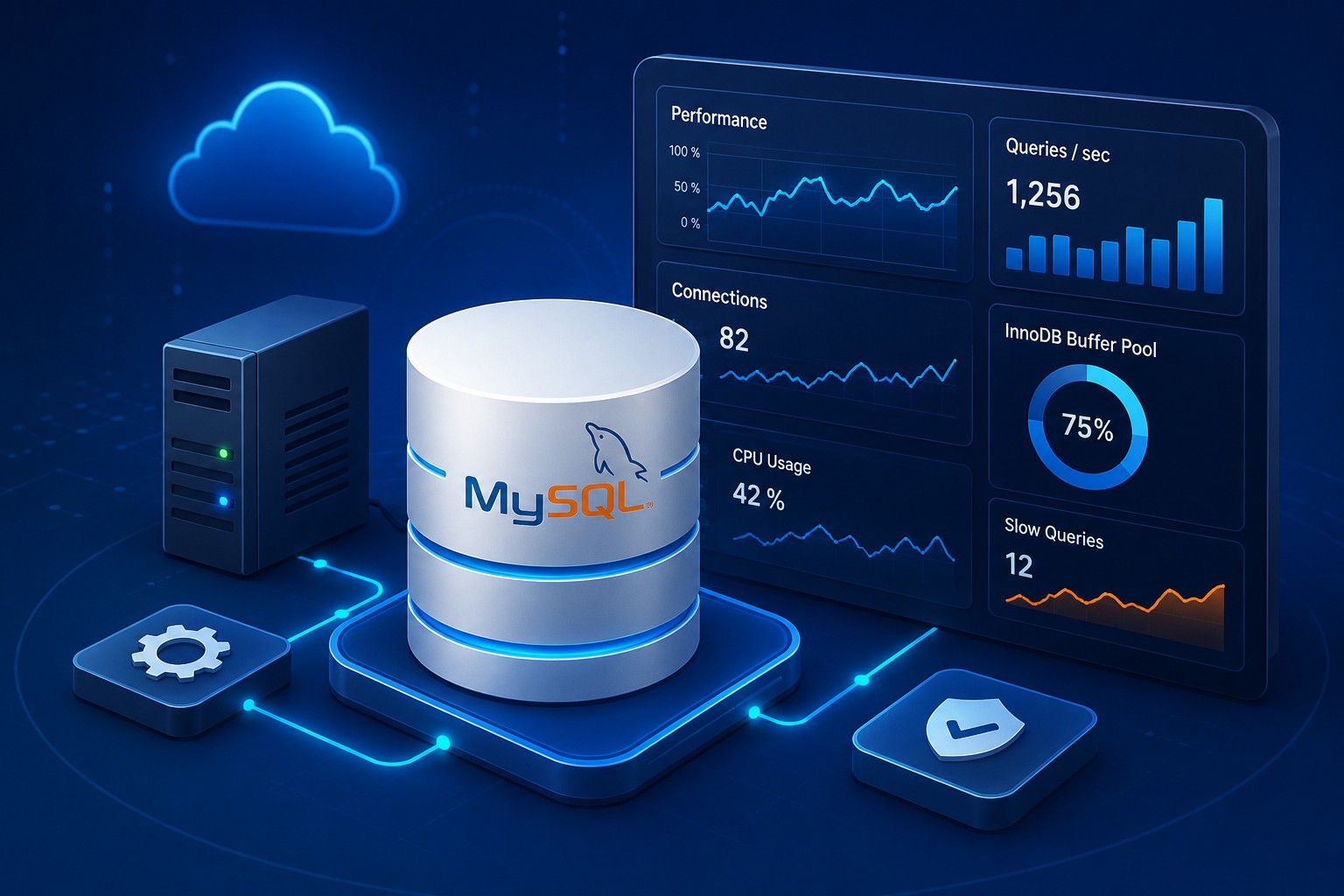
Monitoring active connections helps identify overloaded systems, connection leaks, and unexpected spikes in activity.

Query Performance

Slow queries are one of the most common causes of MySQL performance problems. Tracking slow query counts and execution trends provides early warning signs.

CPU and Memory Usage

High CPU utilization or memory pressure can indicate inefficient queries, insufficient resources, or workload growth.

Storage Capacity

Database outages frequently occur because storage fills unexpectedly. Monitoring available disk space should always be part of mysql server monitoring.

Building a Lightweight Monitoring Strategy

Start with basic health checks and expand only when necessary. A practical approach includes:

  1. Monitor database availability every few minutes.
  2. Track CPU, memory, and disk usage.
  3. Collect slow query statistics.
  4. Review connection counts and trends.
  5. Verify successful backups.
  6. Generate periodic health reports.

This approach keeps mysql monitoring lightweight while still providing valuable operational visibility.

Real-World Example

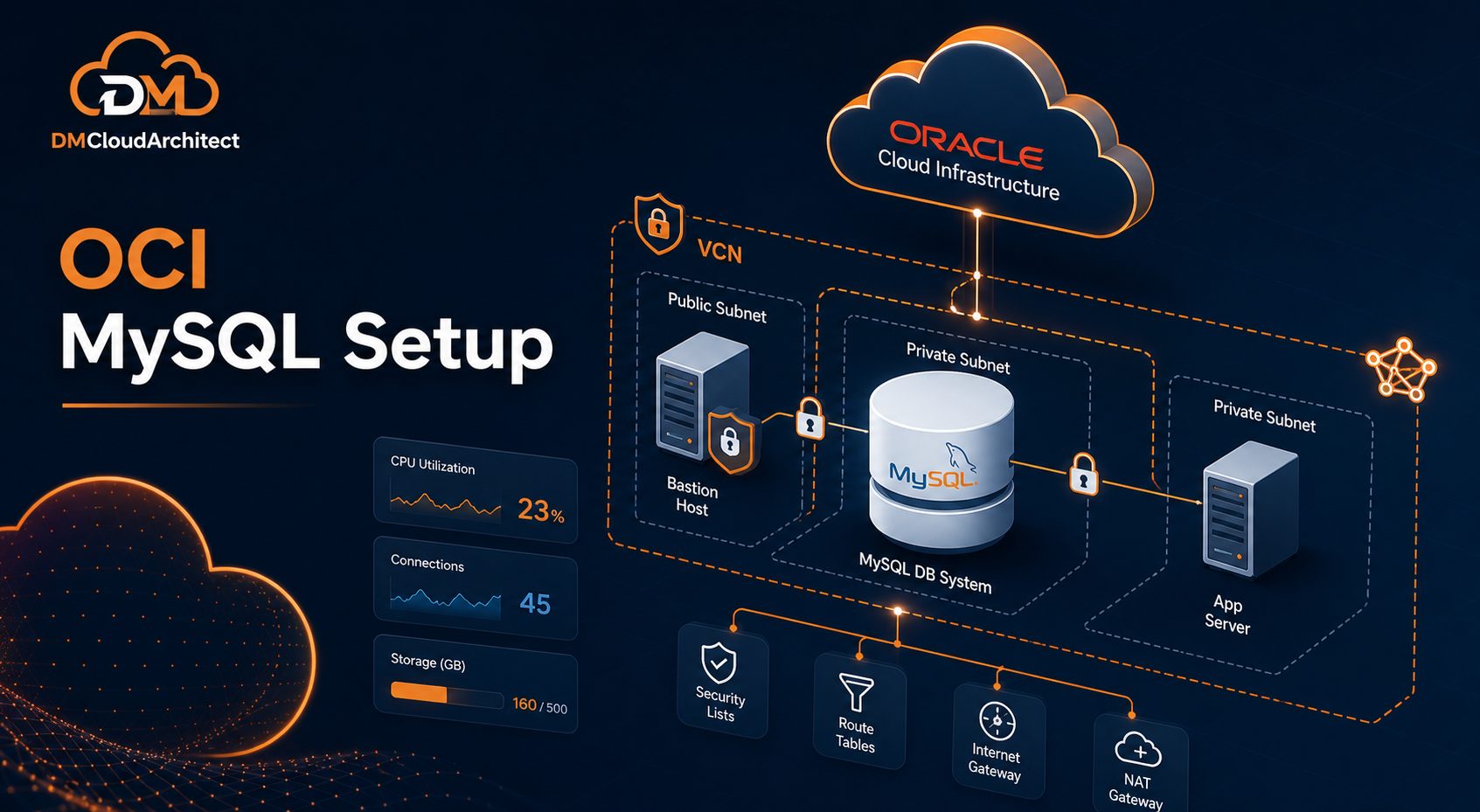
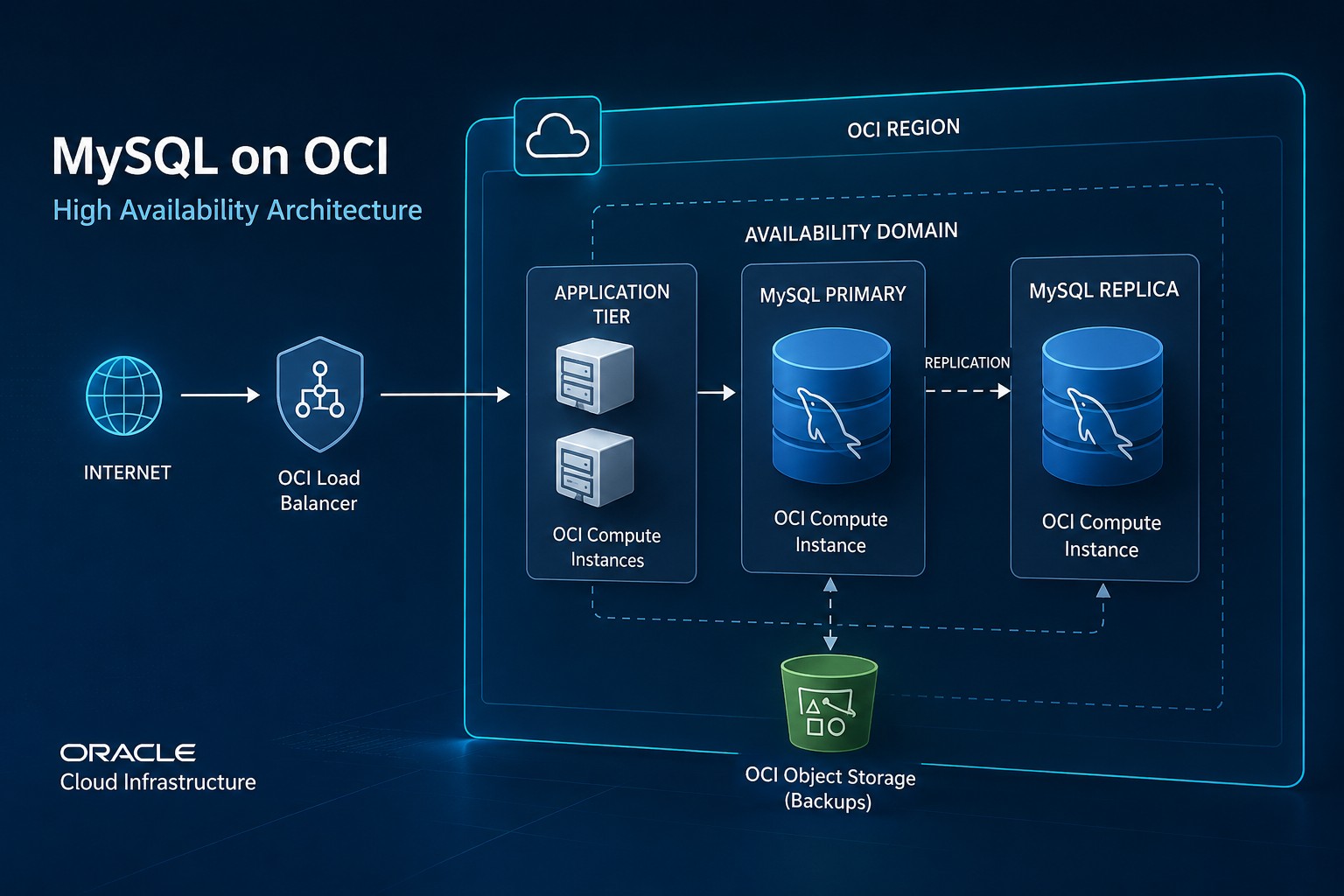
Consider a business application running on Oracle Cloud Infrastructure with a single MySQL instance. Users begin reporting intermittent slowness during peak hours. Basic monitoring reveals that connection counts increase sharply every afternoon and slow queries rise at the same time.

Without monitoring, administrators might spend hours investigating the application stack. With a simple monitoring setup, the issue can be traced directly to a handful of inefficient queries, significantly reducing resolution time.

Common Mistakes to Avoid

  • Monitoring too many metrics from the start
  • Ignoring storage growth trends
  • Failing to review slow query logs
  • Not validating backup success
  • Collecting data without reviewing reports

Summary

Simple MySQL monitoring focuses on the metrics that matter most: availability, performance, connections, resource usage, and storage capacity. A lightweight strategy is often enough to identify issues early and maintain stable database operations.

If you want a structured way to review infrastructure and database health, explore Infrastructure Health Reporting at https://dmcloudarchitect.com/infrastructure-health-reporting.html to help maintain visibility across critical systems.

About the Author
Mariusz Antonik

Oracle Cloud Infrastructure expert and consultant specializing in database management and automation.

All Tags
#Advanced #alerts #Bash #bash cpu monitoring script #bash monitoring #bash scripting #Beginner #Best Practices #block volume backup #Capacity Planning #cloud backup strategy #compute #cpu bottleneck #CPU Monitoring #cpu monitoring linux #cpu monitoring script linux #cpu trends #cpu usage trends #cpu usage trends linux #create oracle db system in oci #cron cpu monitoring #cron cpu monitoring linux #cron jobs #database #database monitoring #database performance #database-setup #detect slow queries mysql #devops #disk capacity planning server #disk forecasting linux #disk growth trend linux #Disk Monitoring #disk usage #disk usage script linux #disk usage trends #Early Detection #easy infrastructure monitoring #free-tier #Guide #health dashboards #Health Reporting #historical server monitoring #how to monitor cpu usage linux #infrastructure #infrastructure health #infrastructure health dashboard #infrastructure health reporting #infrastructure monitoring #infrastructure monitoring report #infrastructure trends #infrastructure trends monitoring #Infrastructure Visibility #lightweight linux monitoring #lightweight monitoring #linux #linux administration #linux cpu monitoring #linux cpu usage #linux disk capacity planning #linux disk usage #Linux monitoring #linux monitoring setup #linux monitoring tools #linux performance #linux performance monitoring #linux server #linux server monitoring #linux servers #linux storage #linux tools #low maintenance monitoring #monitor cpu usage over time linux #monitor linux server health #monitor server trends #monitor small production server #monitoring #monitoring without complexity #MySQL #mysql health reporting #MySQL monitoring #mysql optimization #MySQL Performance #mysql performance degradation #mysql performance monitoring #mysql performance trends #mysql query performance issues #mysql server monitoring #mysql slow queries #mysql slow query analysis #mysql slow query monitoring #mysql trends #mysql-health #networking #nsg #OCI #oci backup #oci bastion tutorial #oci block volume #oci infrastructure as code #OCI monitoring #oci networking #oci oracle database private subnet setup #oci oracle database tutorial #oci security #oci setup guide #oci terraform tutorial #oci tutorial for beginners #oci vcn terraform #oci virtual machine db system guide #oci-mysql-heatwave #oracle base database service tutorial #oracle cloud bastion #oracle cloud free tier tutorial #oracle cloud infrastructure step by step #oracle cloud infrastructure tutorial #oracle cloud storage #oracle database on oci setup #oracle-cloud #Performance #Performance Degradation #performance monitoring #performance trend monitoring #performance trends #plan disk growth server #practical server monitoring #predict disk usage growth #private instance access #query optimization #Security #security lists #server #server health #server health reporting #server health weekly report #server monitoring #Server Performance #server trend analysis #server-trends #servers #simple cpu monitoring linux #simple linux monitoring #simple monitoring small business #simple monitoring system #simple ops monitoring #slow queries #slow query reporting mysql #small business infrastructure #small business IT #small business servers #small infrastructure monitoring #small server monitoring #ssh bastion #storage capacity planning linux #storage monitoring #subnets #System Health #system health reporting #terraform oci compute #terraform oracle cloud infrastructure #Trend Monitoring #trend-analysis #trends #Tutorial #vcn