Blog - Tag: server health

Identify Disk Issues Early Before They Become Outages

Identify Disk Issues Early Before They Become Outages

Aug 06, 2026    Mariusz Antonik    Automation    6 min read

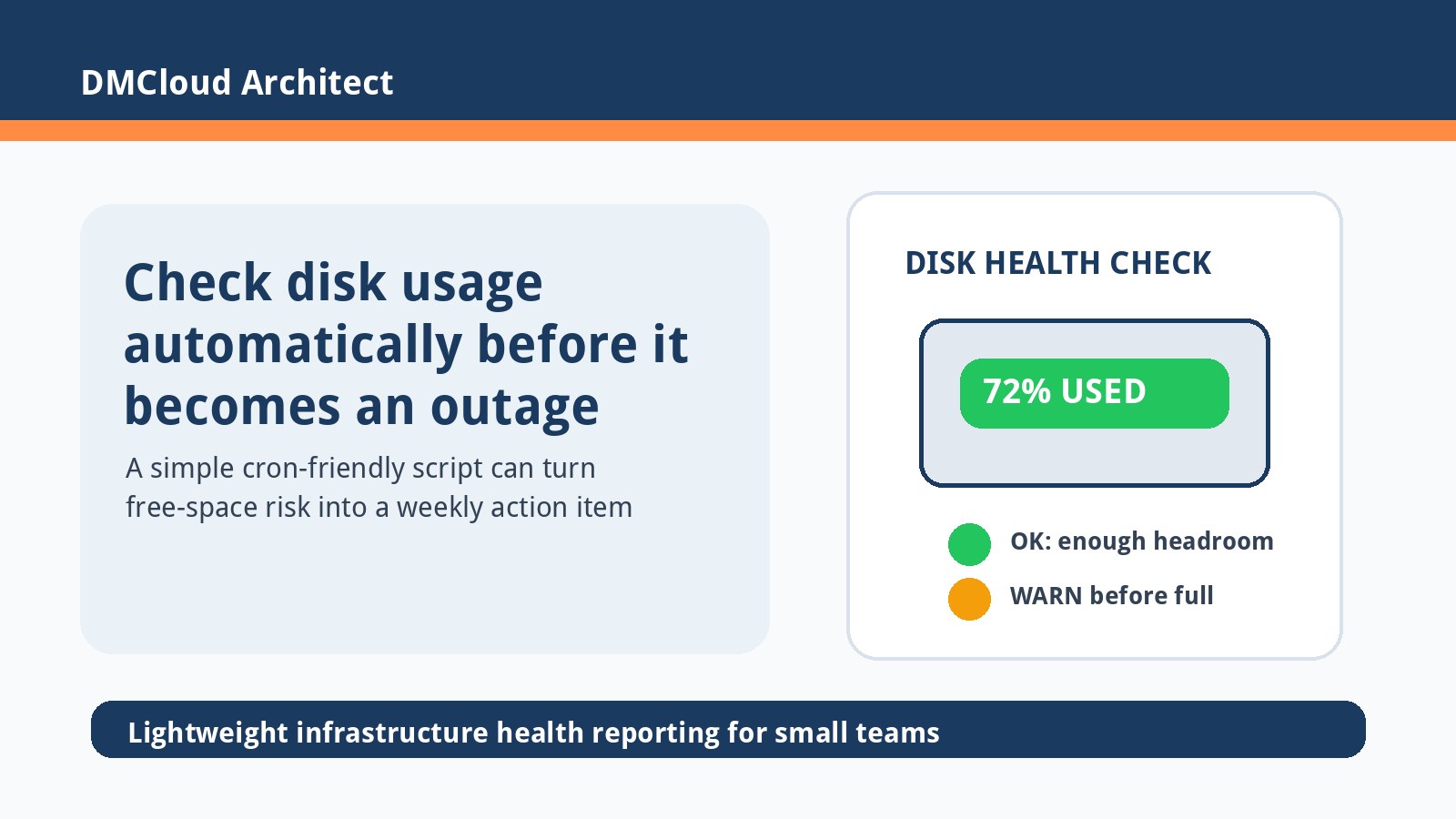
Disk problems rarely start as dramatic failures; they usually show up first as slow growth, noisy logs, or uneven I/O. Small teams can prevent disk full outages by watching a few practical signals every week instead of waiting for emergency alerts. This guide explains what to check on Linux servers, how to turn those checks into an early-warning habit, and when to clean up or expand storage.

Read More
Simple CPU Monitoring on Linux Without Heavy Tools

Simple CPU Monitoring on Linux Without Heavy Tools

Aug 04, 2026    Mariusz Antonik    Automation    6 min read

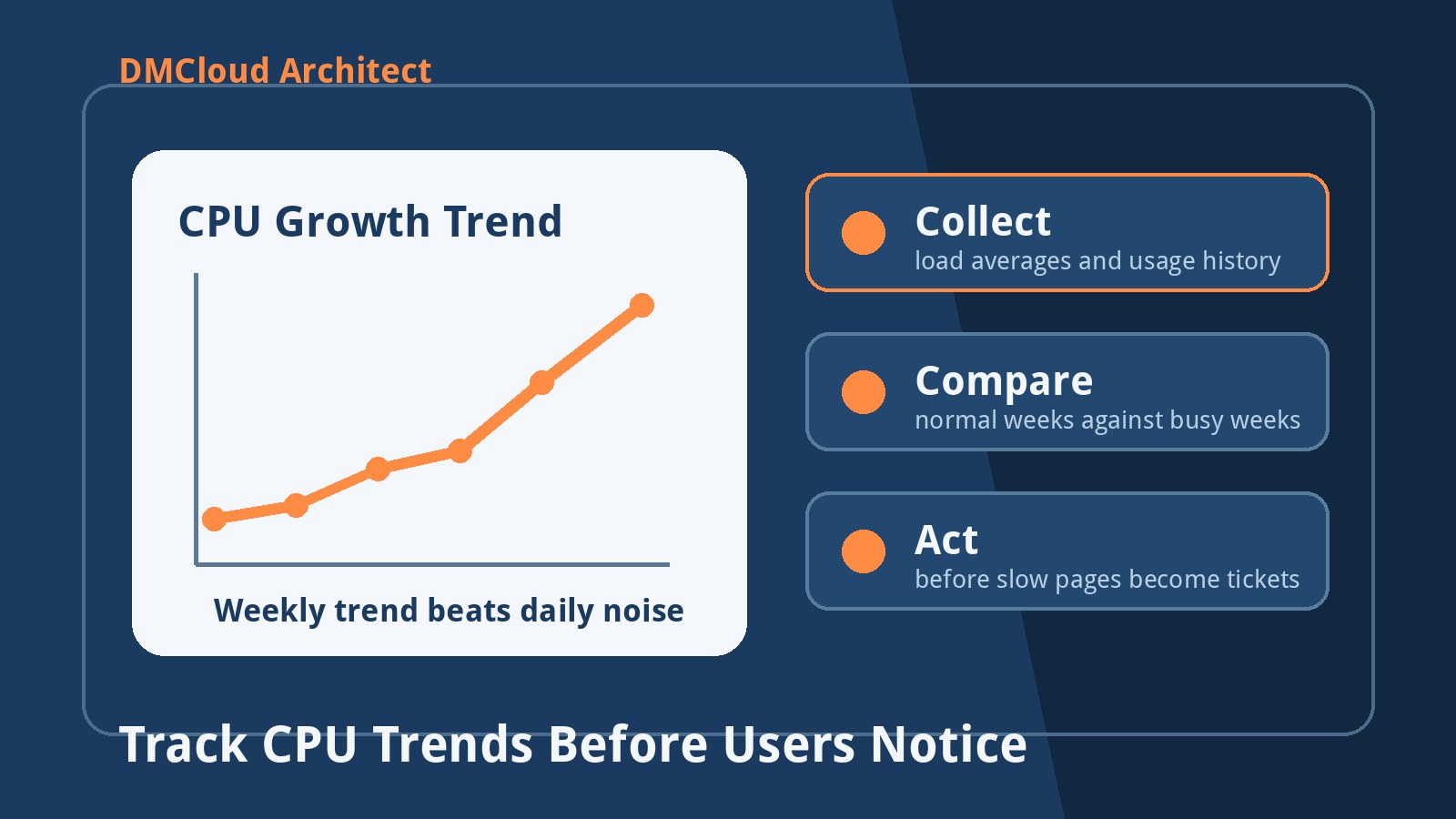
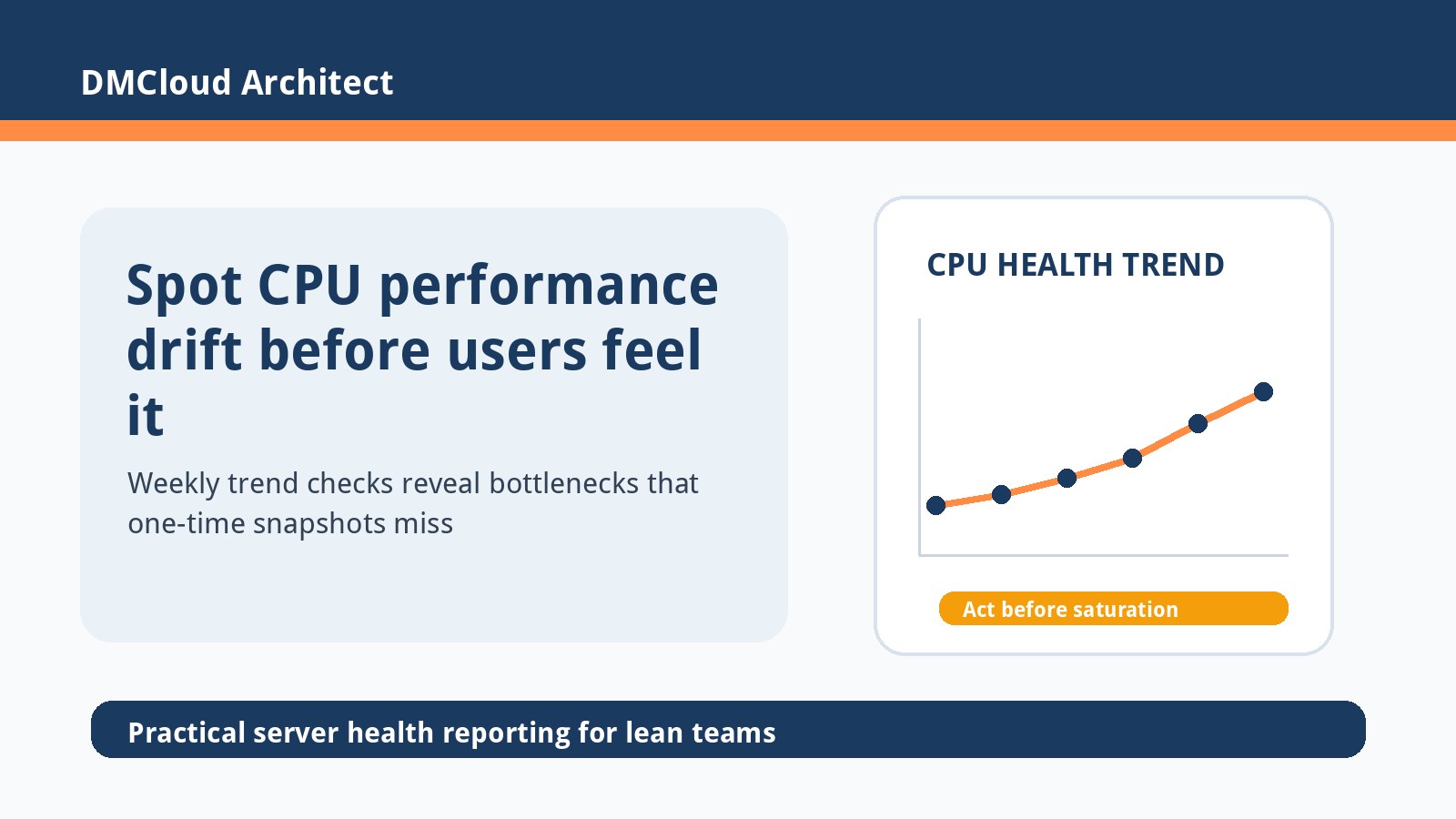
Simple CPU monitoring on Linux does not have to start with a large observability stack. For small teams, a weekly snapshot of load average, CPU steal, top processes, and trend direction is often enough to catch pressure before users notice slowdowns. This guide shows a lightweight approach using built-in Linux commands, a small Bash script, and cron-friendly reporting.

Read More
Wazuh Agent Enrolled but Missing from Dashboard: A Practical Checklist

Wazuh Agent Enrolled but Missing from Dashboard: A Practical Checklist

Jul 30, 2026    Mariusz Antonik    Security    7 min read

When a Wazuh agent says it is enrolled and connected but the dashboard still shows nothing, the problem is often in the gap between transport, identity, and indexed data. A calm checklist keeps teams from reinstalling agents blindly or weakening security controls just to make a host appear. Use this practical linux server monitoring workflow to verify the manager, agent identity, log flow, indexer health, and reporting expectations in the right order.

Read More
Bare Metal Linux Server Monitoring Checklist After Leaving the Cloud

Bare Metal Linux Server Monitoring Checklist After Leaving the Cloud

Jul 28, 2026    Mariusz Antonik    Automation    8 min read

Moving bandwidth-heavy workloads from managed cloud to a dedicated Linux server can cut costs, but it also hands you responsibility for capacity, security, and recovery. The safest first week is not about building a giant observability stack; it is about a practical baseline that catches load, disk, network, service, and lockout problems early. This checklist gives developers and small business owners a friendly starting point for linux server monitoring after a bare-metal migration.

Read More
Linux Sysadmin Lab Checklist: Build Skills Without Guesswork

Linux Sysadmin Lab Checklist: Build Skills Without Guesswork

Jul 22, 2026    Mariusz Antonik    Automation    6 min read

A Linux sysadmin lab works best when it teaches repeatable operations instead of random commands. Start with a small set of virtual machines, then practice web hosting, users, firewall rules, backups, automation, and linux server monitoring until you can rebuild the environment from notes. This checklist gives developers and small business owners a practical path for learning the skills that make production servers safer.

Read More
Lightweight Linux Server Monitoring Checklist for Small Teams

Lightweight Linux Server Monitoring Checklist for Small Teams

Jul 20, 2026    Mariusz Antonik    Automation    6 min read

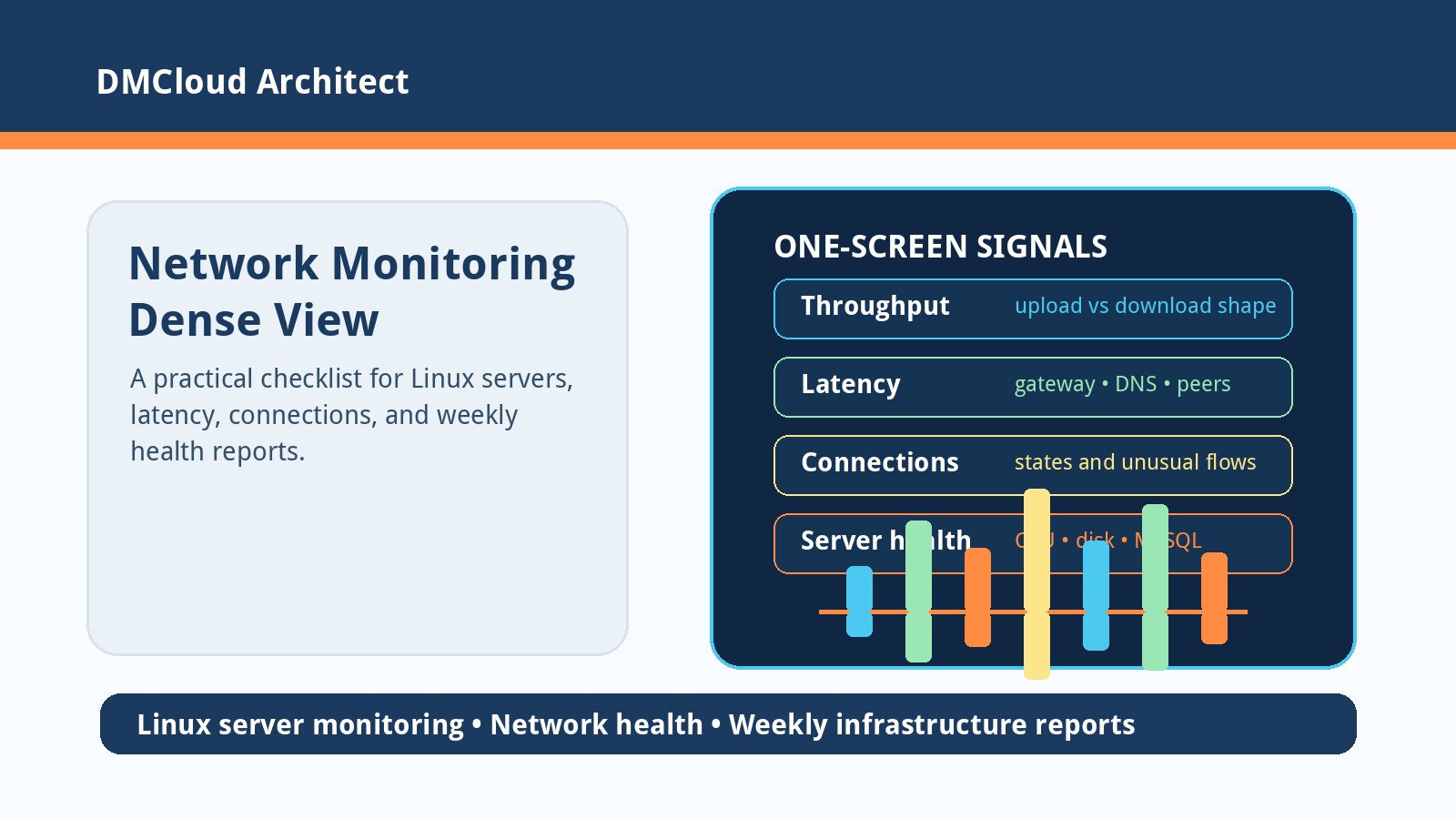
Lightweight linux server monitoring should tell you whether a small production server is healthy without forcing your team to live inside another dashboard. The best setup starts with a short checklist of signals, ownership, alert rules, and weekly review habits before you choose a tool. Use this guide to decide what to monitor, what to ignore, and how to make external checks useful for real business continuity.

Read More
Linux Performance Tuning Checklist for Small Teams

Linux Performance Tuning Checklist for Small Teams

Jul 18, 2026    Mariusz Antonik    Automation    6 min read

Linux performance tuning works best when it starts with the workload, not with random kernel changes copied from a forum. RHEL tuned profiles can help, but small teams still need a safe checklist for choosing a profile, validating the impact, and avoiding changes that hide a capacity problem. This guide shows how to use tuned-adm alongside practical linux server monitoring so performance improvements are measurable and reversible.

Read More
Disk Saturation Detection on Linux: Catch Storage Trouble Before It Becomes an Outage

Disk Saturation Detection on Linux: Catch Storage Trouble Before It Becomes an Outage

Jul 11, 2026    Mariusz Antonik    Automation    7 min read

Disk saturation detection on Linux helps small teams catch storage pressure before a full filesystem becomes downtime. This practical guide explains which disk signals to watch, how to spot early warning patterns with built-in commands, and how to turn simple checks into a weekly review habit. It is written for developers and small business owners who need reliable servers without adding unnecessary monitoring complexity.

Read More
CPU Monitoring Without Tools: A Practical Linux Guide for Small Teams

CPU Monitoring Without Tools: A Practical Linux Guide for Small Teams

Jul 09, 2026    Mariusz Antonik    Automation    7 min read

CPU monitoring without tools is useful when you need quick visibility before installing a full observability stack. This guide shows small teams how to inspect CPU pressure with built-in Linux commands, save lightweight snapshots with Bash and cron, and review weekly trends before users feel slowdowns. It also explains when simple checks are enough and when to move toward a managed health-reporting workflow.

Read More
Linux Server Monitoring Checklist Before You Hire Backend or DevOps Help

Linux Server Monitoring Checklist Before You Hire Backend or DevOps Help

Jul 08, 2026    Mariusz Antonik    Automation    6 min read

When a small team needs backend, DevOps, or AI infrastructure help, the fastest win is often better visibility into the Linux servers already running production. This checklist helps you separate urgent engineering work from routine monitoring gaps, so you can hire specialists for the right reasons. Use it to review CPU, memory, disk, logs, security, and backup signals before committing to a monthly engagement or a new dashboard project.

Read More